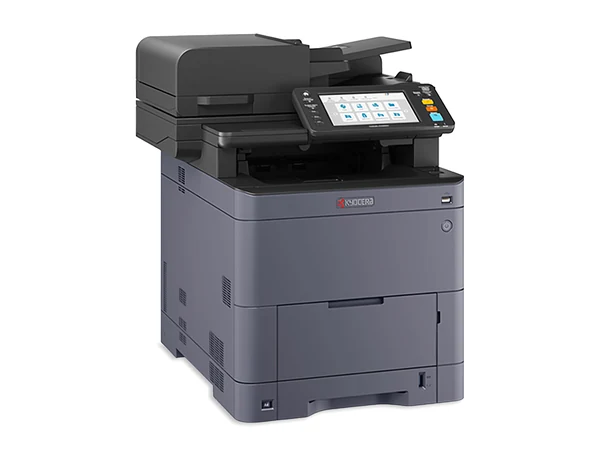
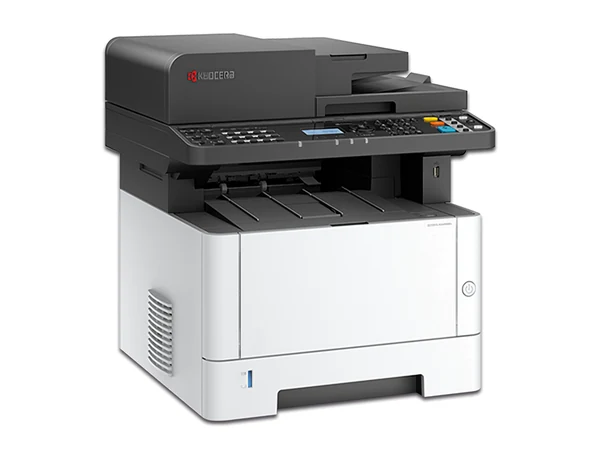
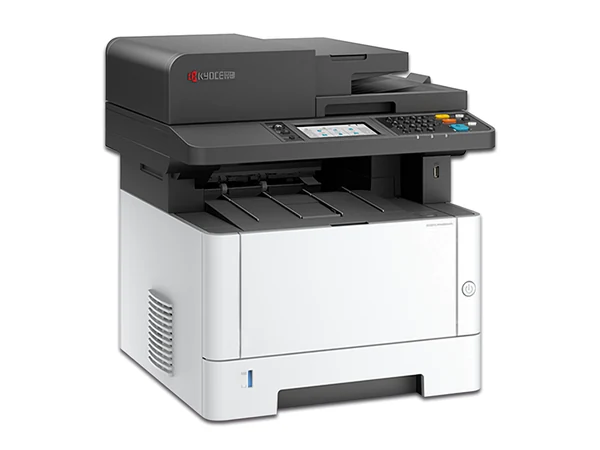
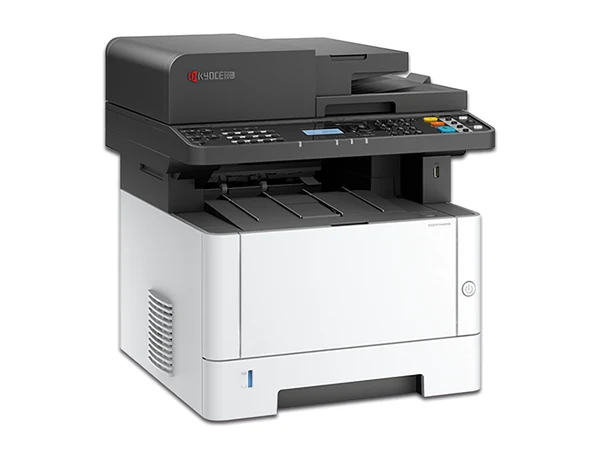
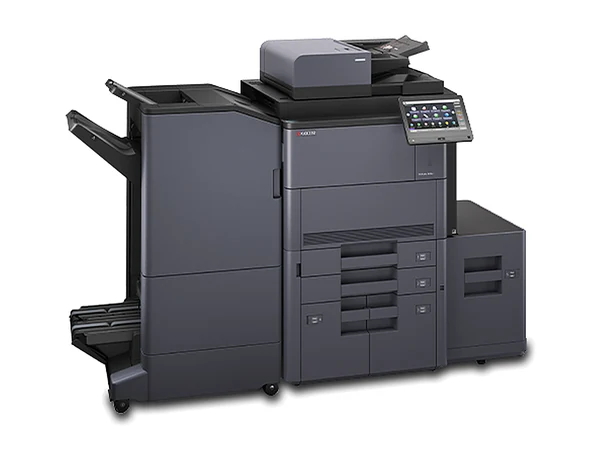
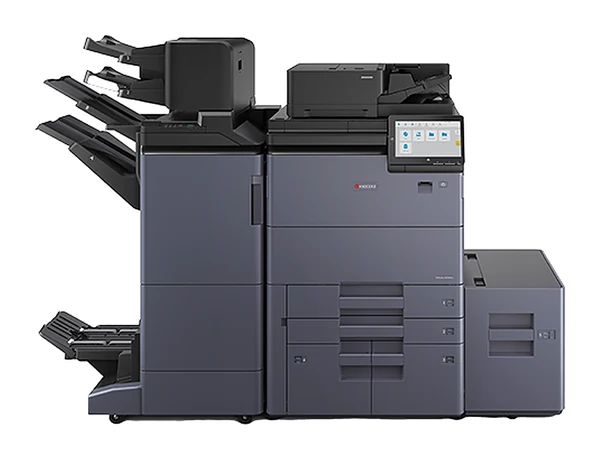
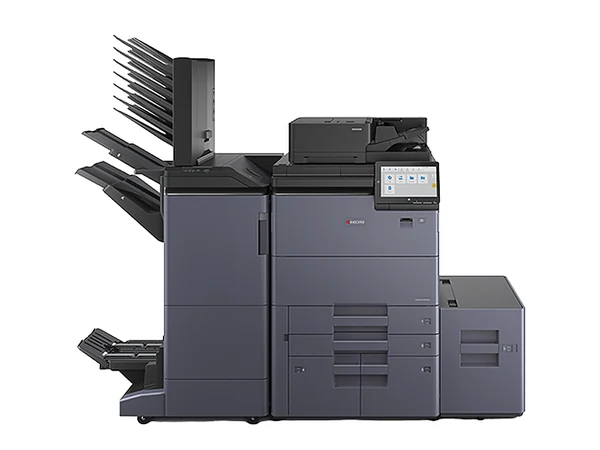
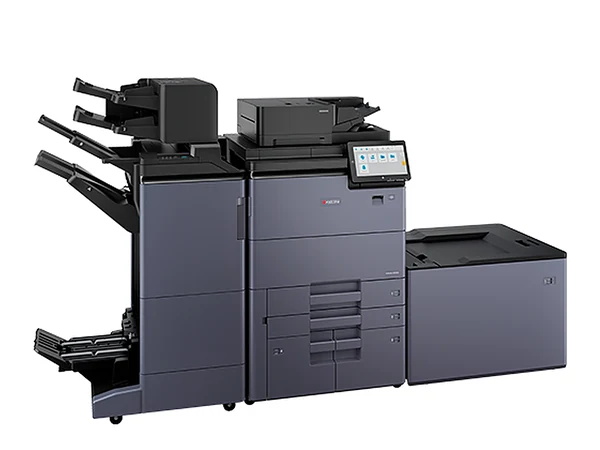
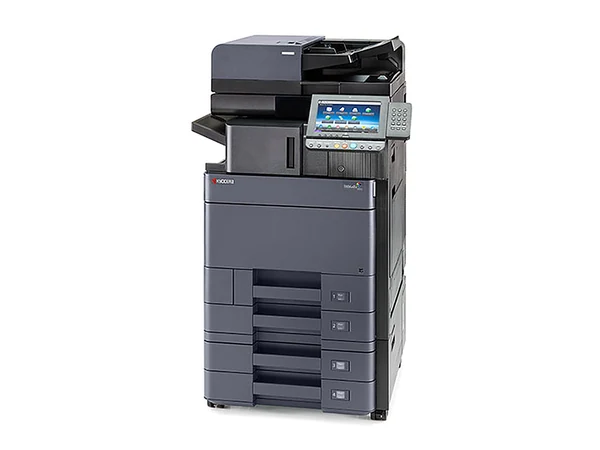
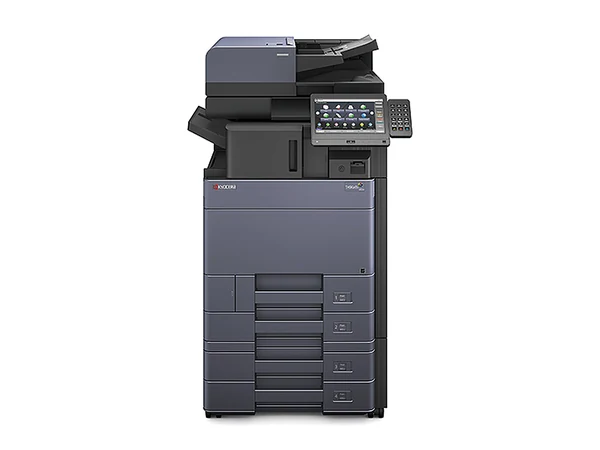
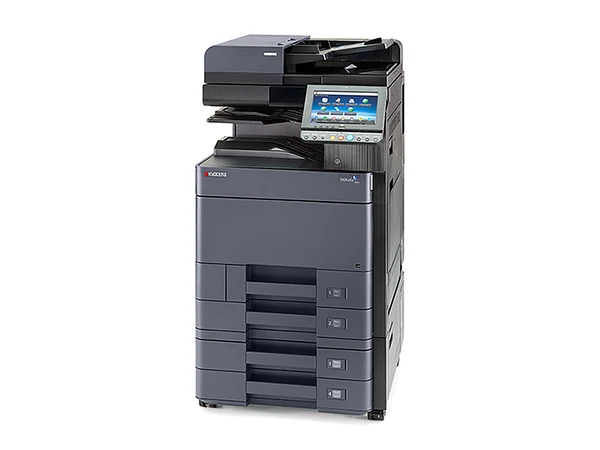
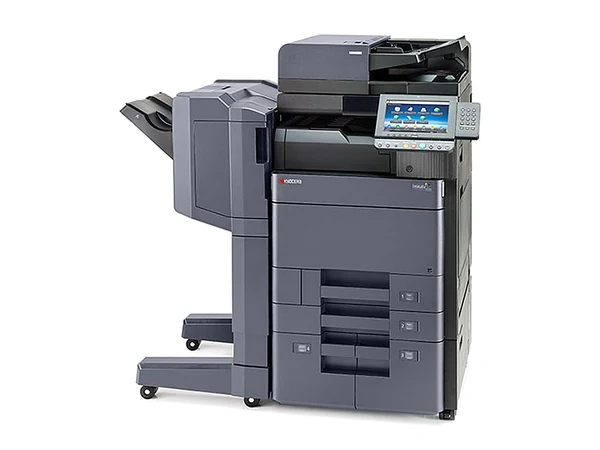
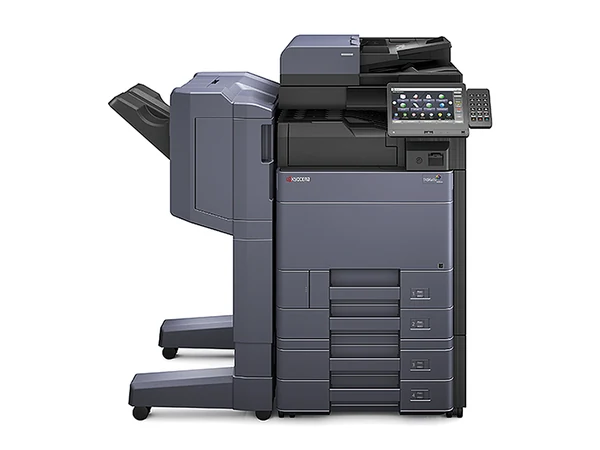
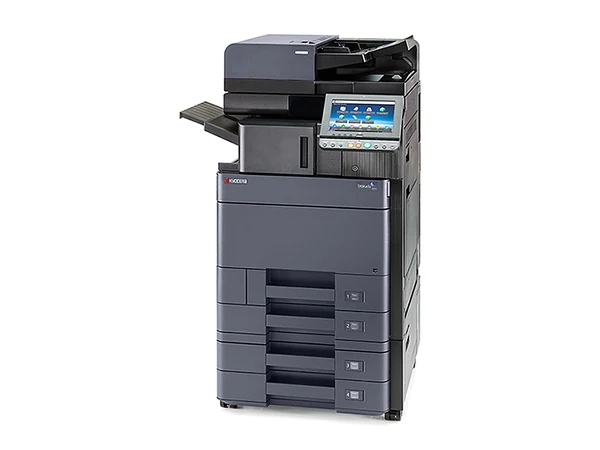
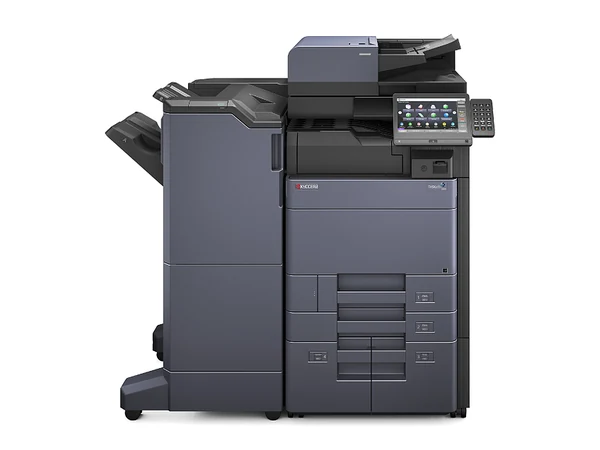
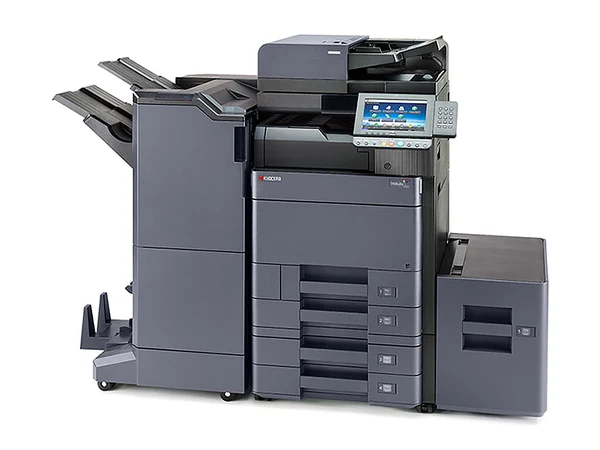
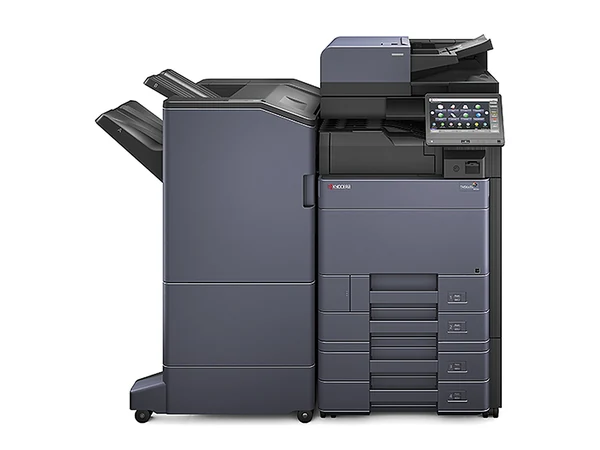
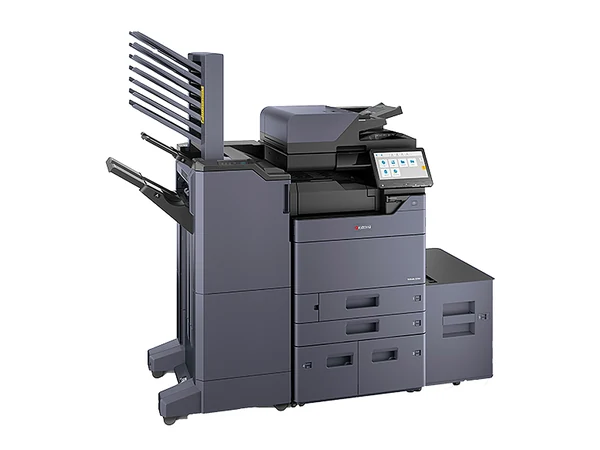
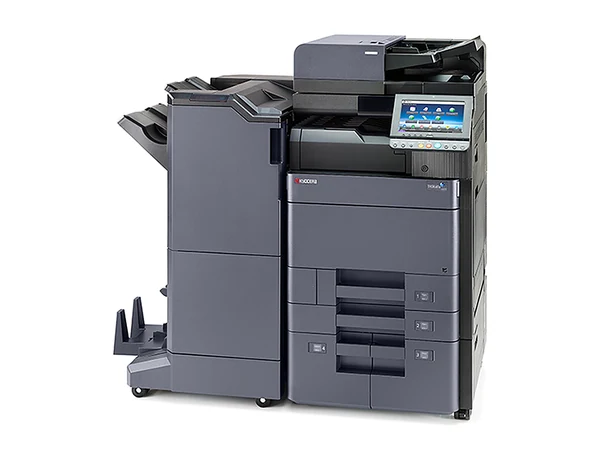
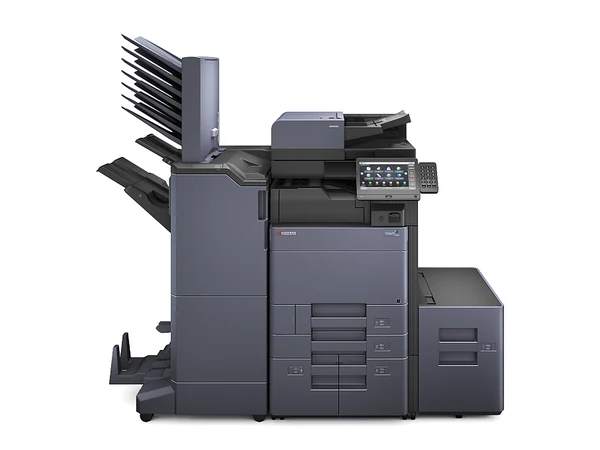
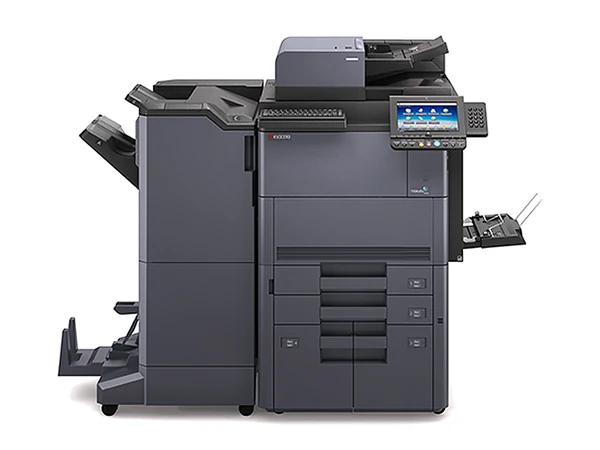
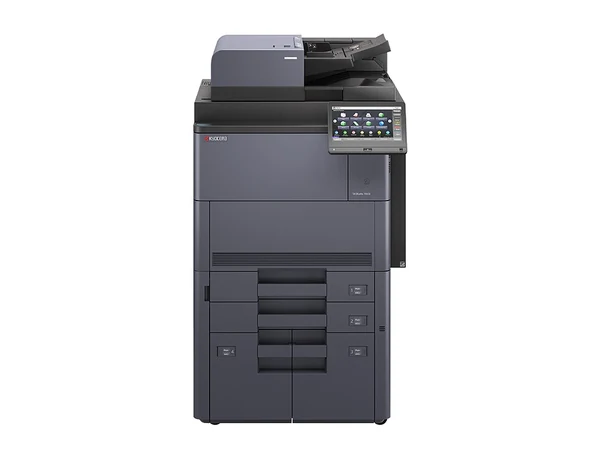
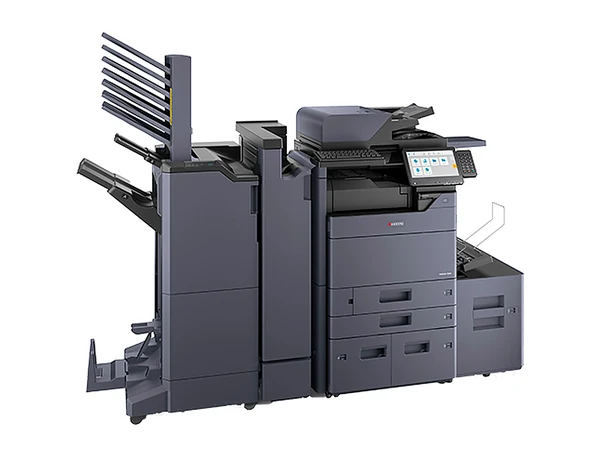
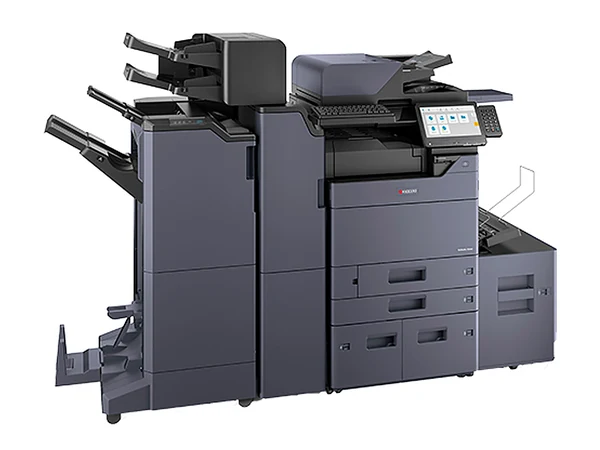
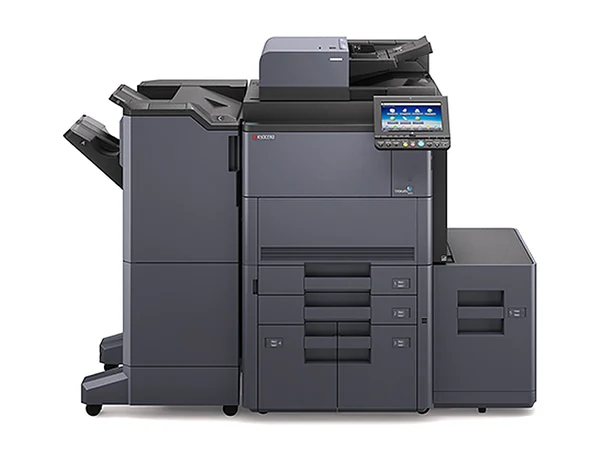
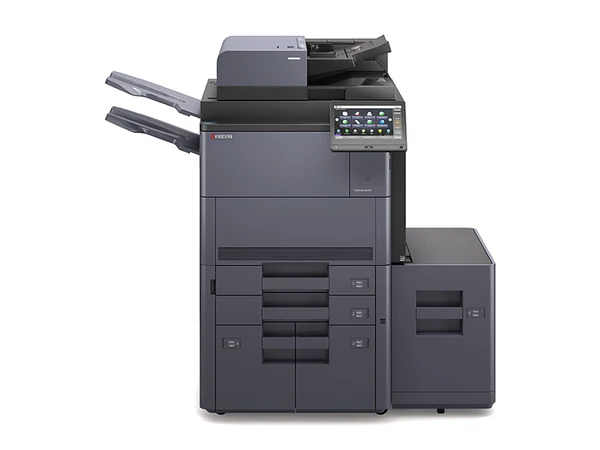
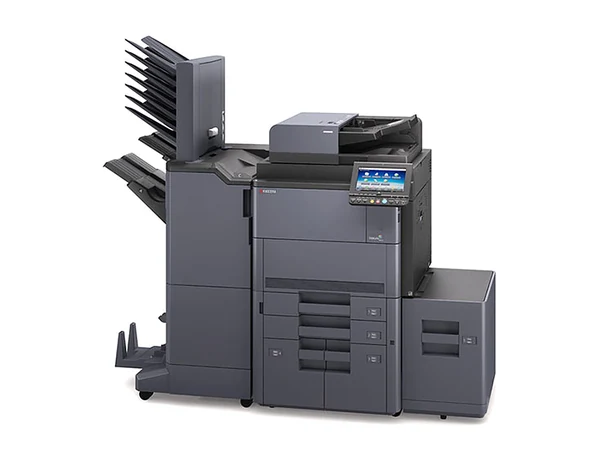
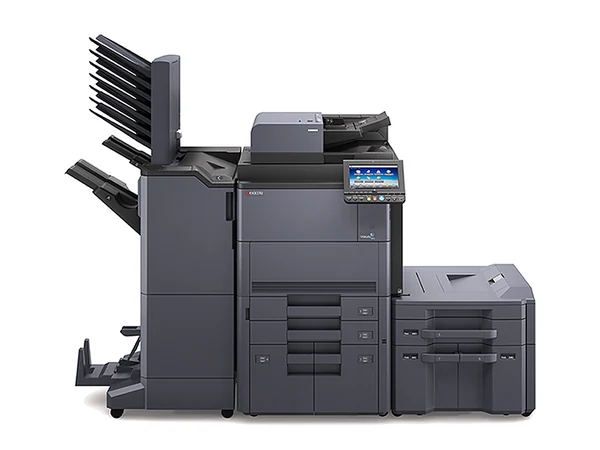
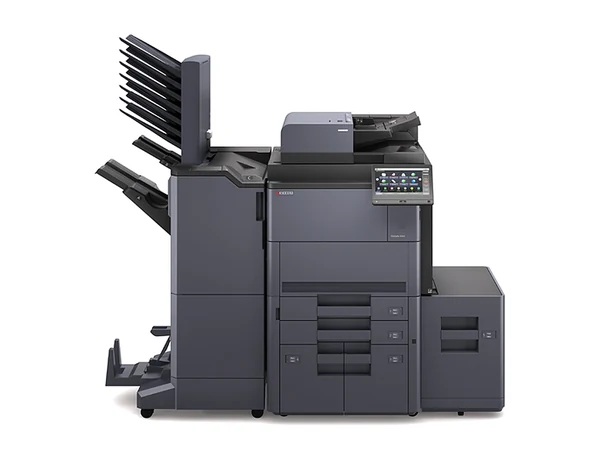
Kyocera copiers Sydney: new, refurbished or secondhand TASKalfa photocopiers for sale
If running costs decide it, start with Kyocera. TASKalfa copiers and ECOSYS printers come new from us, and every used or refurbished Kyocera we offer is checked first and serviced by us once it is in your Sydney office.
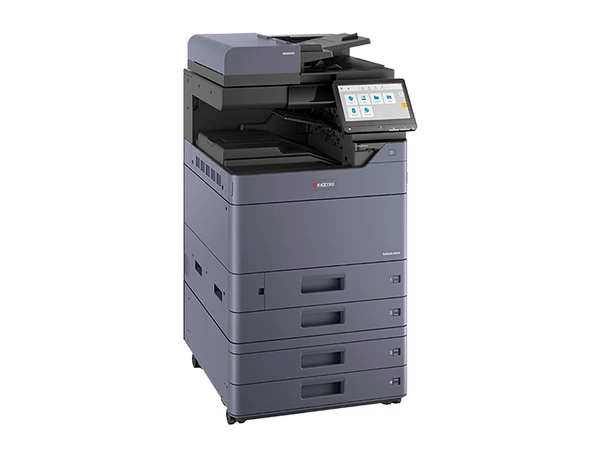
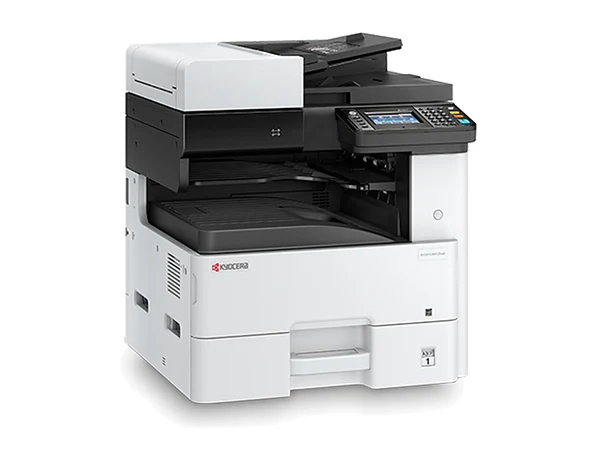
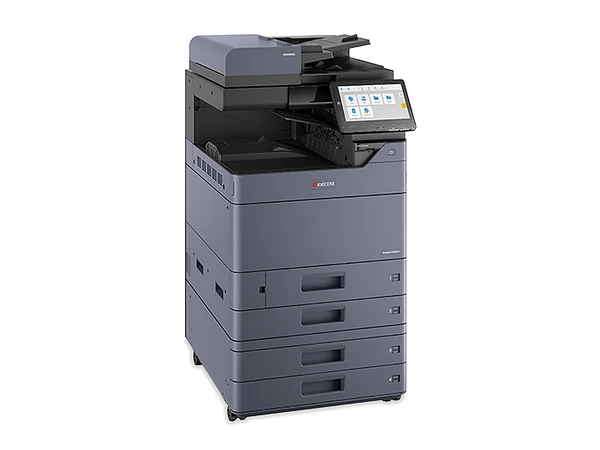
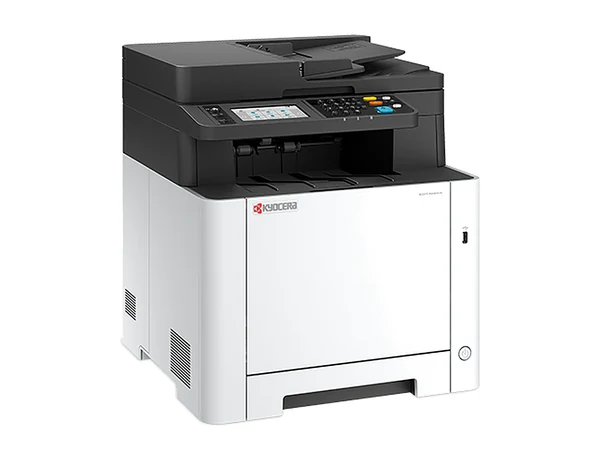
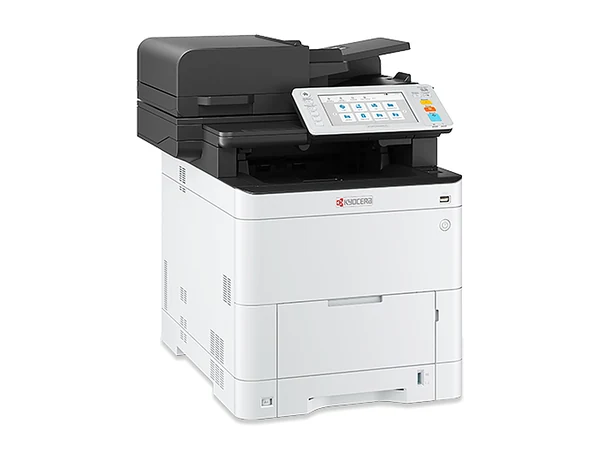
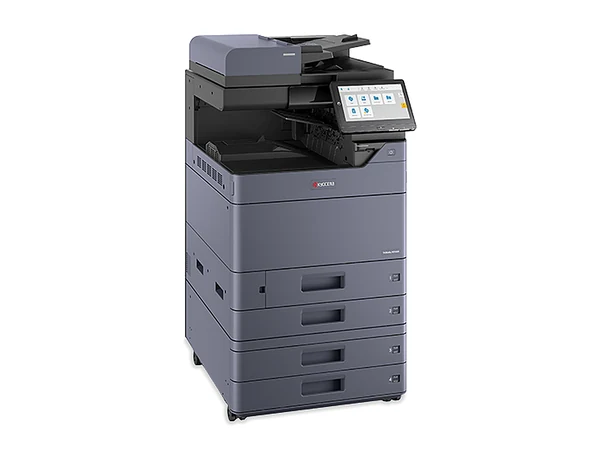
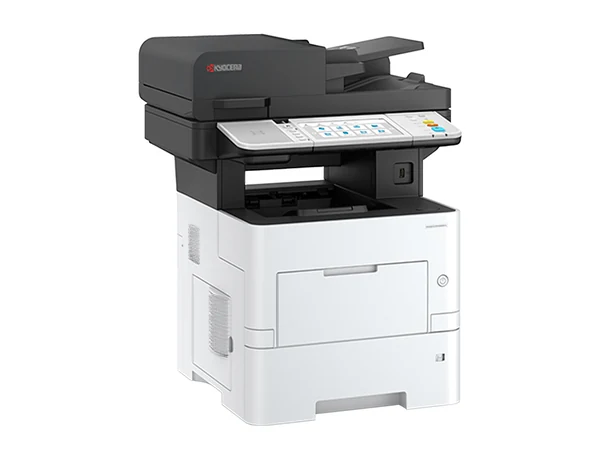
Kyocera's drums and developer units are built for a very long page life, which means fewer replacements and a lower cost on every page. For an A3 copier the range is TASKalfa; for a compact A4 printer or multifunction it is ECOSYS.
02Kyocera
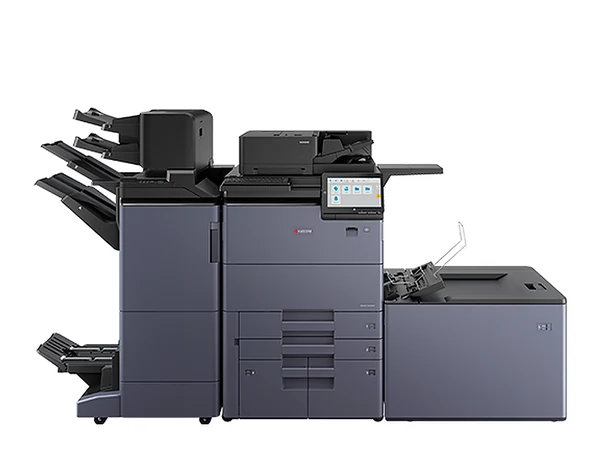
TASKalfa and ECOSYS: the models that turn up
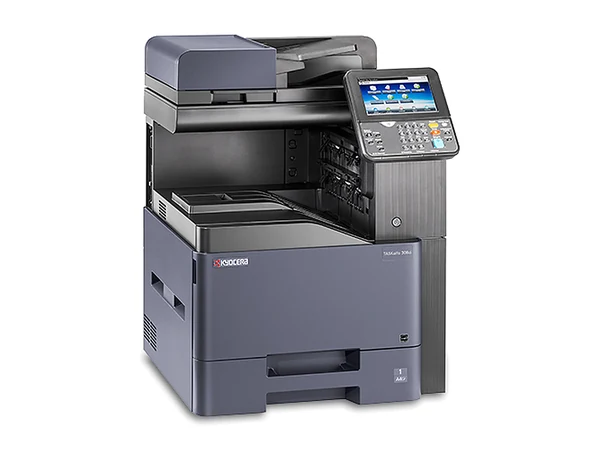
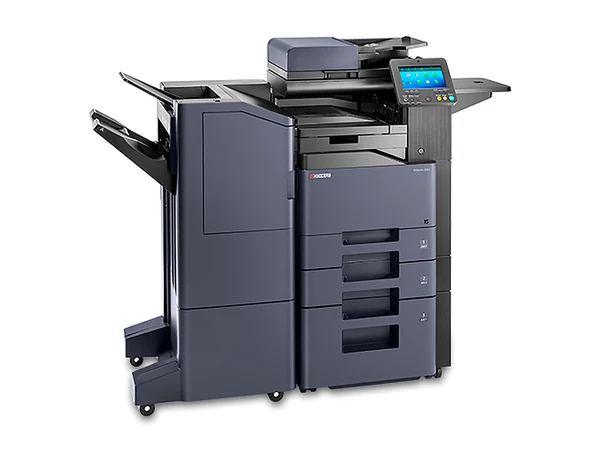
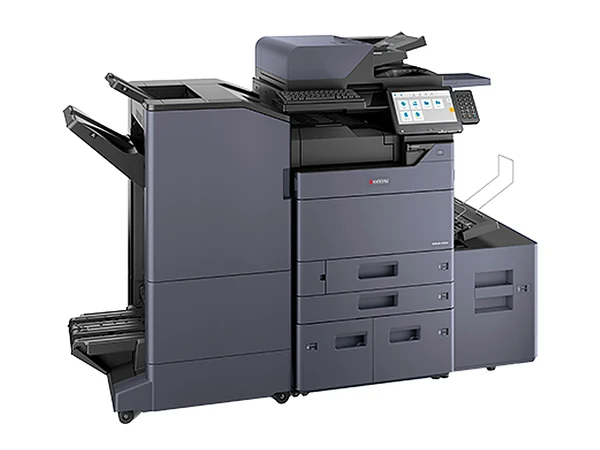
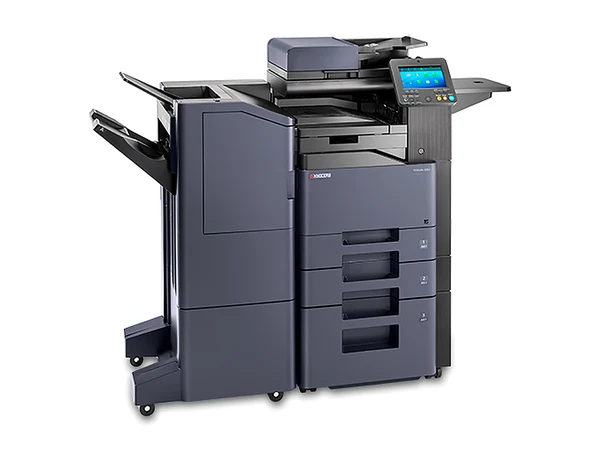
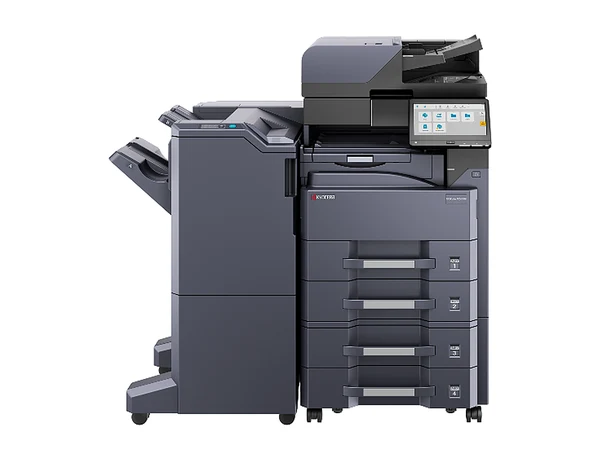
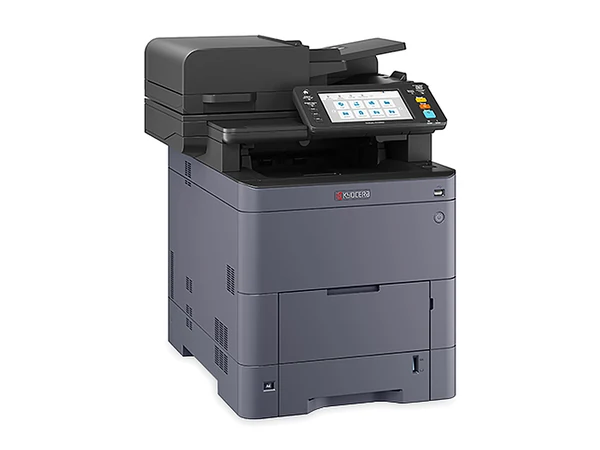
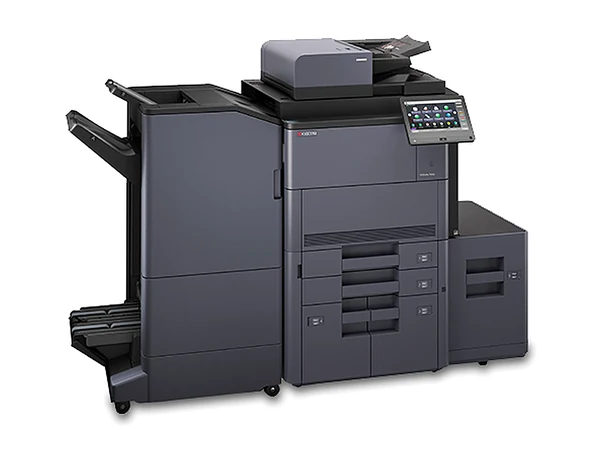
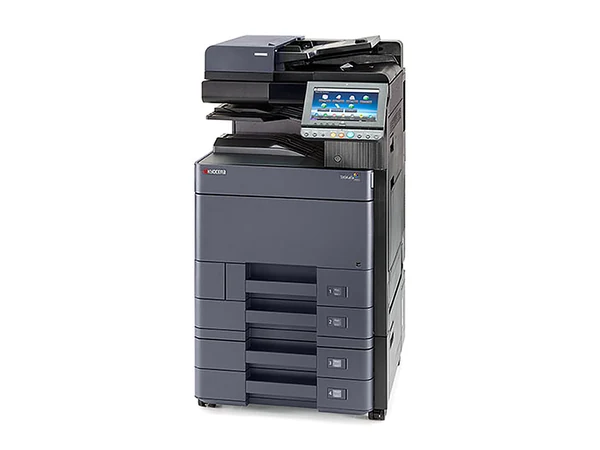
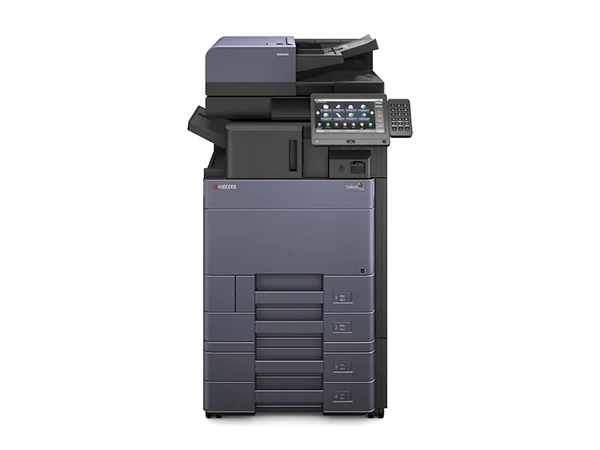
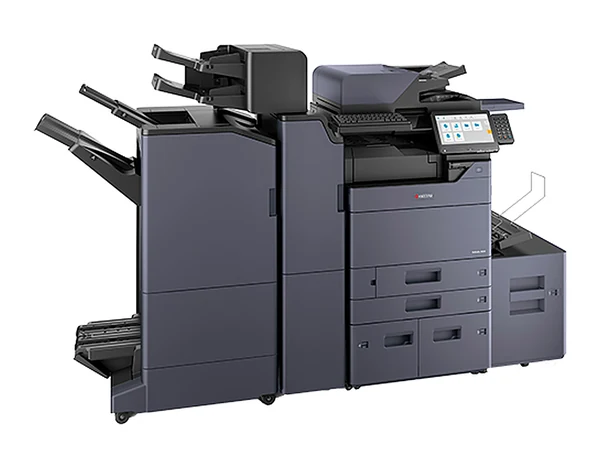
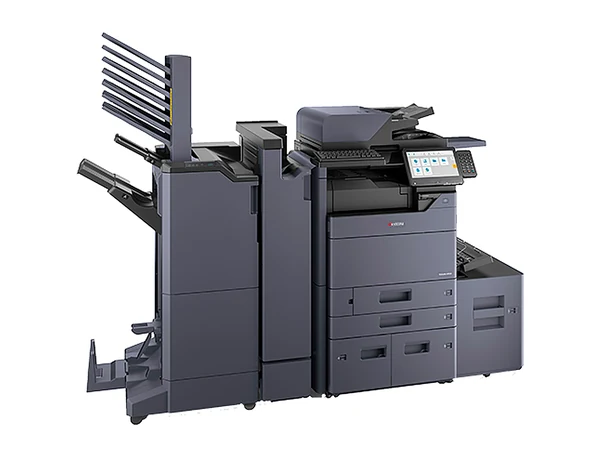
TASKalfa colour ending in 4: 2554ci, 3554ci, 4054ci, 5054ci and 6054ci
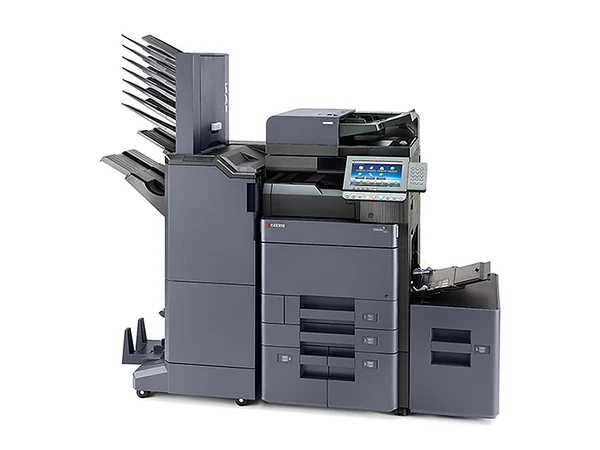
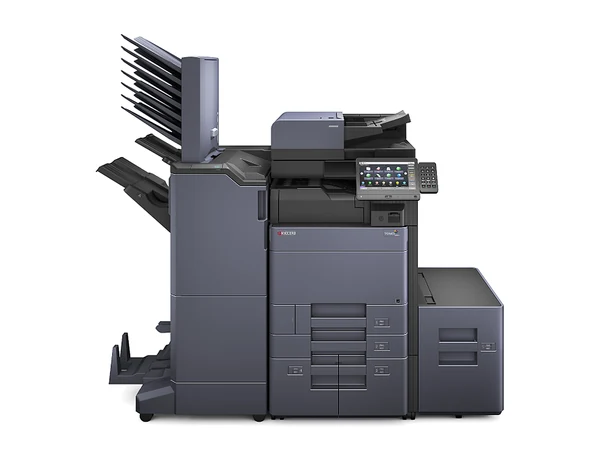
Ending in 3, the generation before: 2553ci, 3253ci, 4053ci and 5053ci
Ending in 2, older again: 2552ci, 3252ci, 4052ci and 5052ci
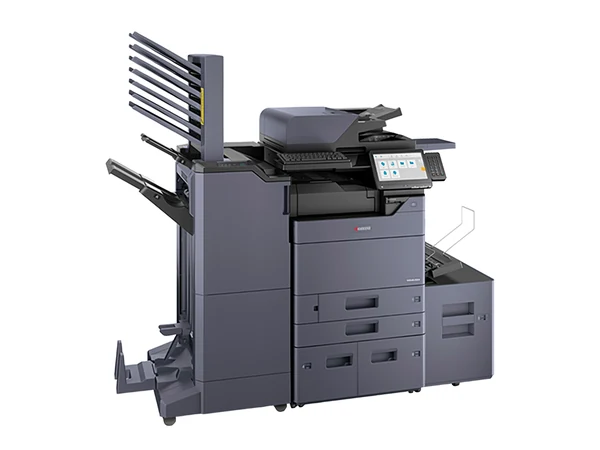
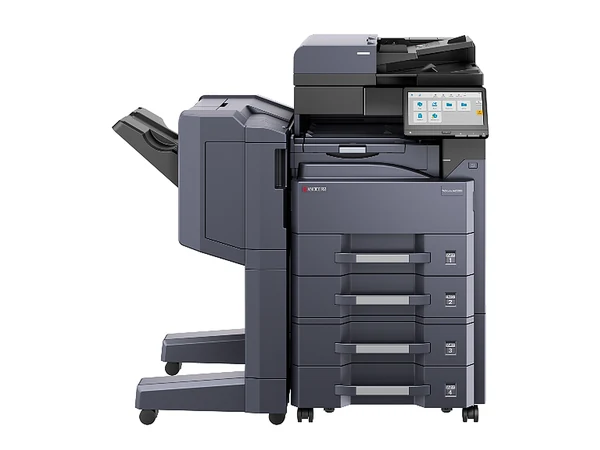
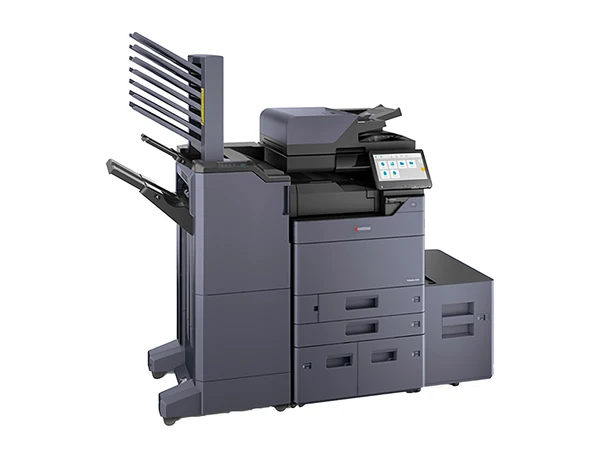
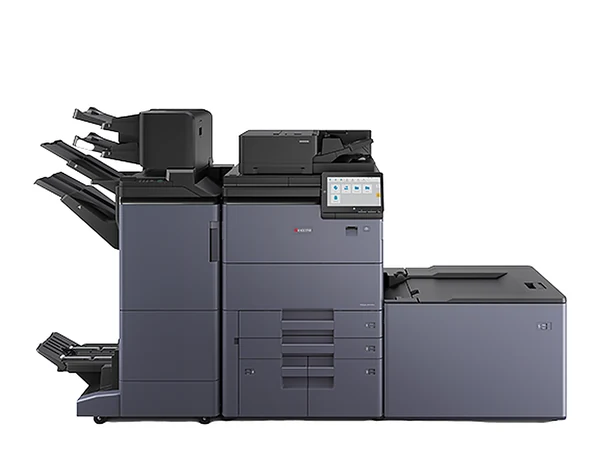
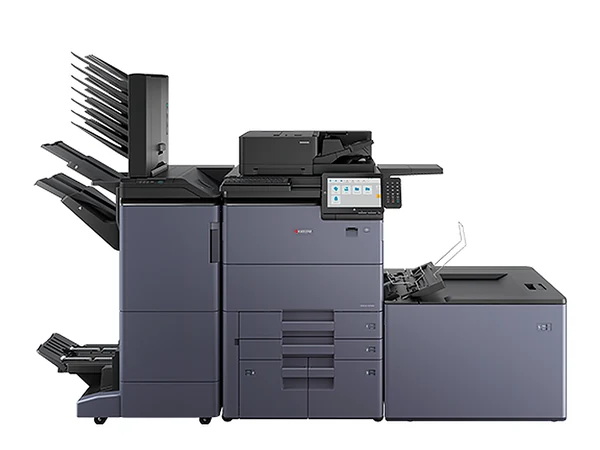
The MZ line, Kyocera's newest TASKalfa: MZ2501ci to MZ7001ci (colour) and MZ5001i to MZ7001i (mono)
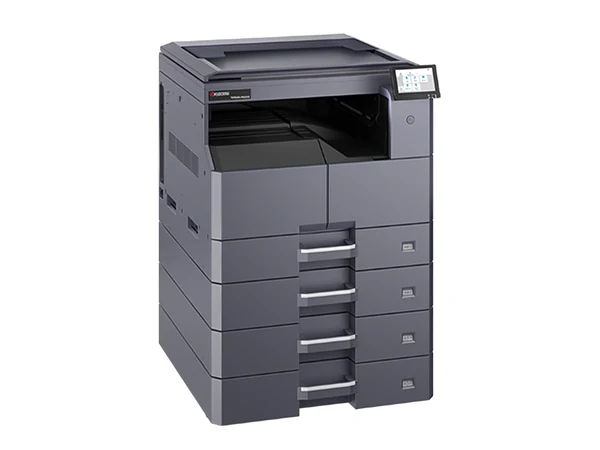
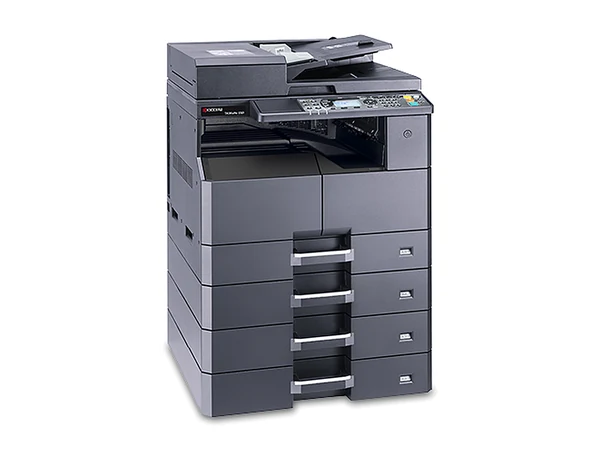
TASKalfa mono: the 5004i, MZ3200i and MZ4000i
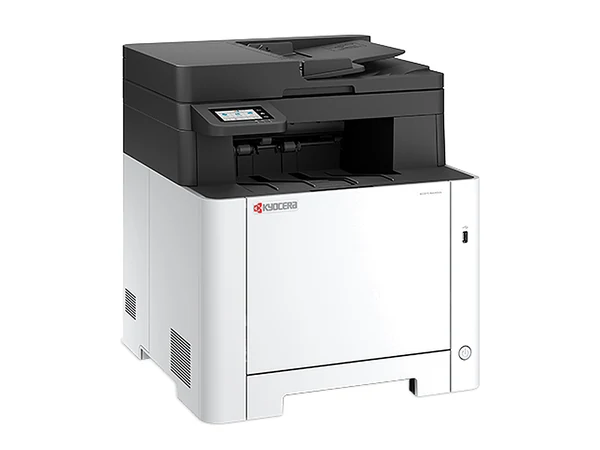
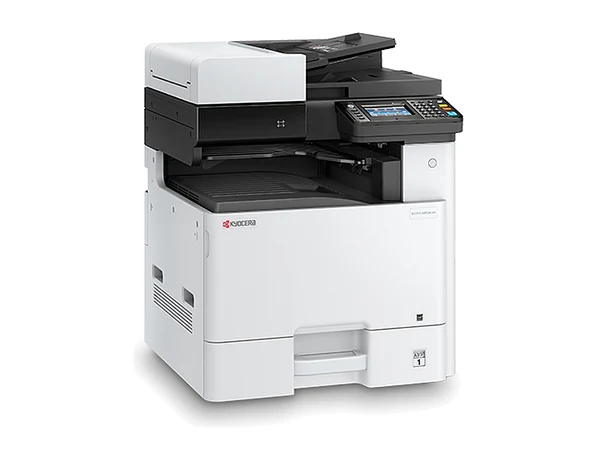
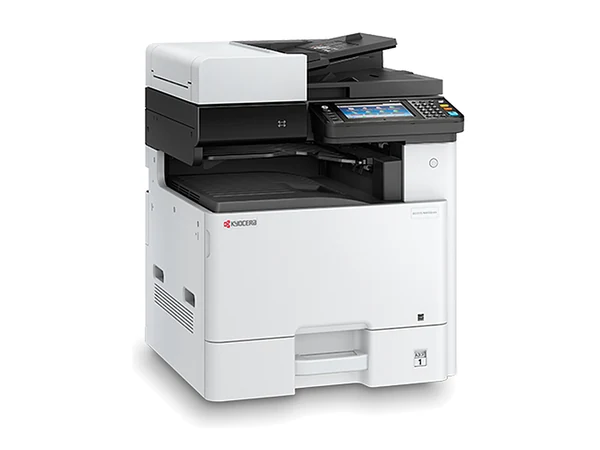
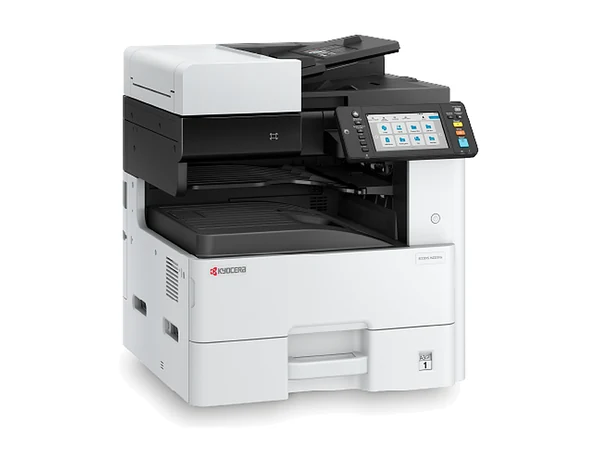
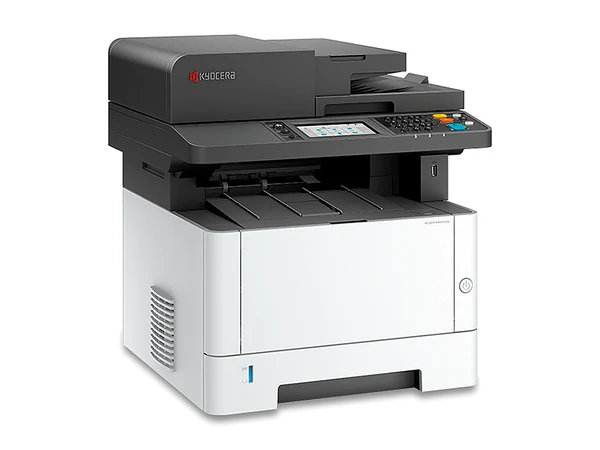
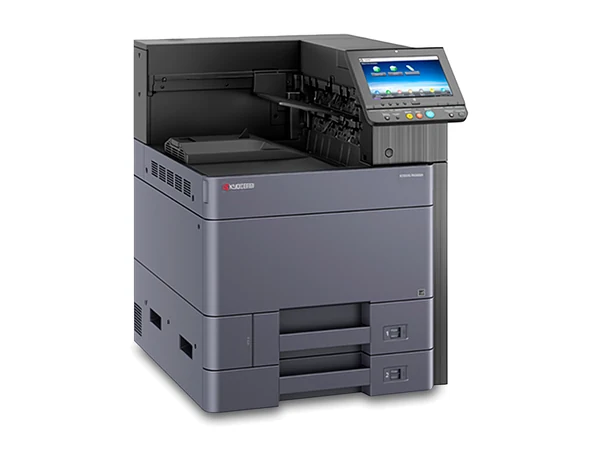
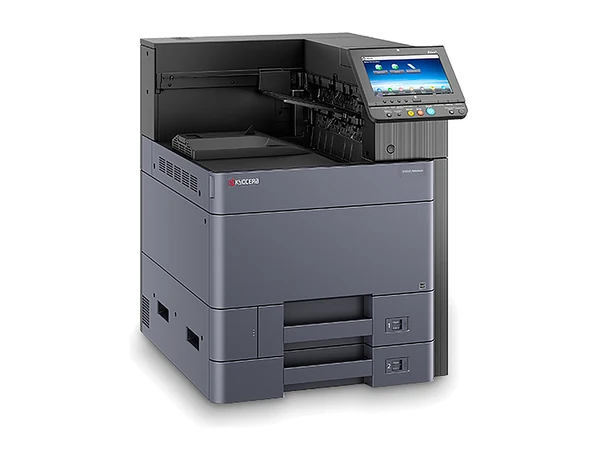
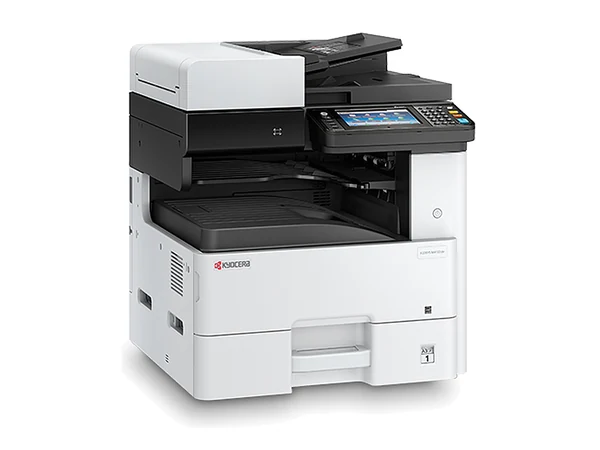
ECOSYS A3 multifunctions for small offices: colour M8124cidn and M8130cidn, mono M4125idn
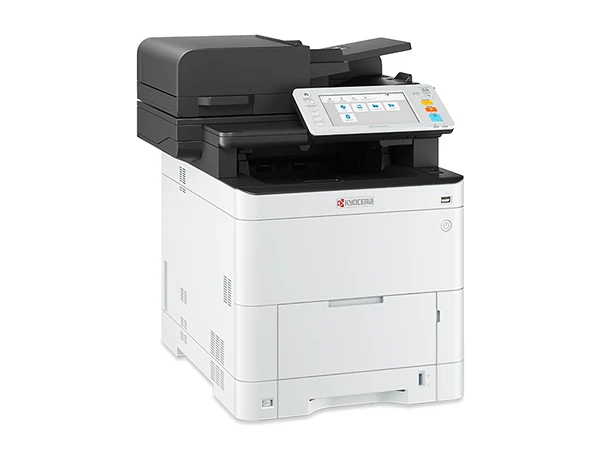
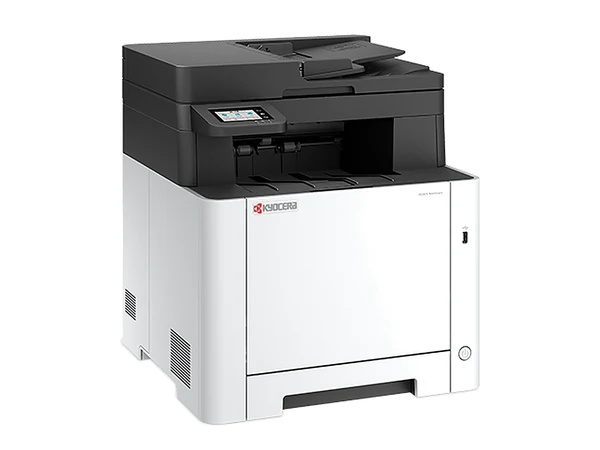
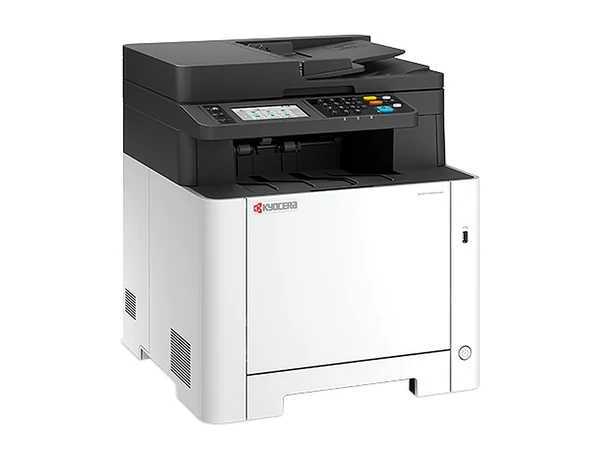
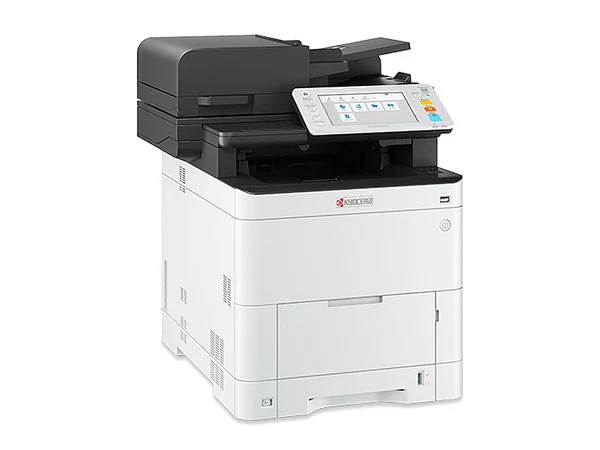
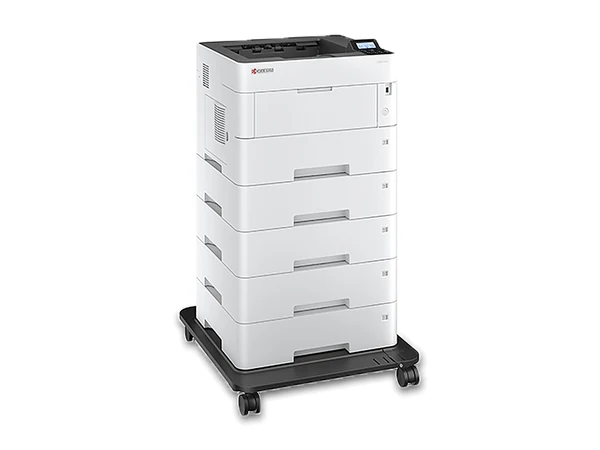
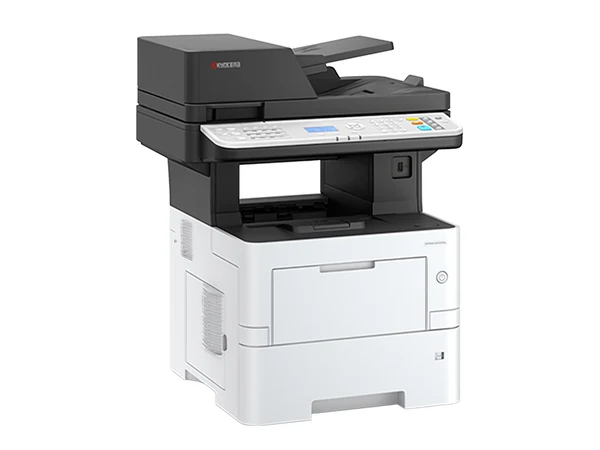
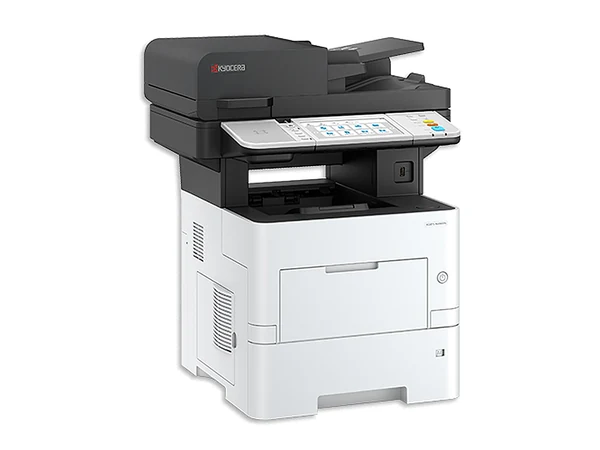
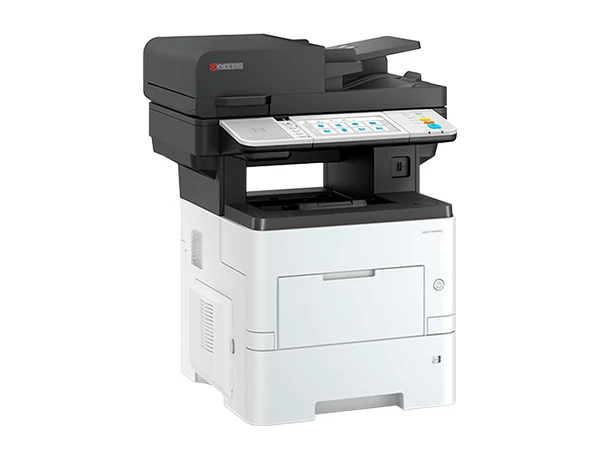
ECOSYS A4 multifunction printers (MFPs), colour and mono, such as the MA3500cifx and MA4000cifx
Names written the way the maker writes them. Not there? Ask.
A Kyocera keeps the page cost down with parts made to go the distance.
03Kyocera
What a Kyocera model number tells you
Read a TASKalfa name in pieces. In a 2554ci the 25 is pages a minute, the closing 4 is the generation and ci means colour. Its bigger sibling, the 3554ci, prints 35. Go back a generation for the 2553ci, and back again for the 2552ci. Lose the c, as on the 5004i, and you have mono. ECOSYS is Kyocera's separate line of compact printers and MFPs, mostly A4; two of them do A3 colour: the M8124cidn and M8130cidn.
04Kyocera
Who should go for a Kyocera?
Is cost per page the figure you care about? Then put Kyocera first on the list. A small team gets on well with the compact TASKalfa 2554ci in A3 colour. No A3 at all? An ECOSYS office printer will carry the load and take up far less room.
05Kyocera
A Kyocera from Sydney Copiers: what happens
Can you get a Kyocera new? Yes: new Kyocera copiers are part of the range, and so are renewed, refurbished and used ones. Either way, the same team delivers it, installs it and services it, because we do not sell a machine we cannot service. Would rather not pay up front? Copier rental runs from $15 a week plus GST. Finance subject to approval. The lowest weekly figure applies to selected machines.
Quicker by phoneAsk the question, get a plain answer, then decide.Monday to Friday, 8am to 5pm
67 in all, grouped by series. Tap one and it drops into the enquiry form; you then hear if one is here, how many pages it has done, and what it costs. Speed figures: A4 pages per minute.
Give a model, or say what the work is. The figures come back in writing. Send it on a business day and you hear back that same day.
Replacement warranty
What if it fails? We replace it. Any year of the agreement.
If a machine on our service agreement fails, we replace it. That holds for new and secondhand machines alike, and for every way of paying: rental, lease, finance or an outright purchase. The cover lasts as long as the agreement does, every year of it.
A new copier normally carries the maker's warranty for 12 months, covering hardware but not consumables. Once that year is up, the service agreement carries the cover. The full terms of the replacement warranty are written into your agreement.
Yes. Both TASKalfa copiers and ECOSYS printers are sold new, and we carry refurbished and used ones too.
TASKalfa or ECOSYS: which do I want?
TASKalfa if you need an A3 copier. ECOSYS if you want something compact; that line is mostly A4 printers and multifunctions.
Why do some Kyocera names end in ci?
Because they print colour. A TASKalfa 2554ci does colour at 25 pages a minute; take away the c, as on the 5004i, and it is mono.
Is a used TASKalfa 2553ci worth buying?
Yes, for most small and mid sized offices, as long as it has a service history and a sensible page count. The 2553ci and the newer 2554ci come in most often; the 2552ci, the older model, turns up less. Describe your printing and we will name the better fit.
Which machine, which grade, what it costs to run, what to watch for in the agreement: ask. Monday to Friday, 8am to 5pm. Send an enquiry on a business day and you hear back that same day.