Brand new · Renewed
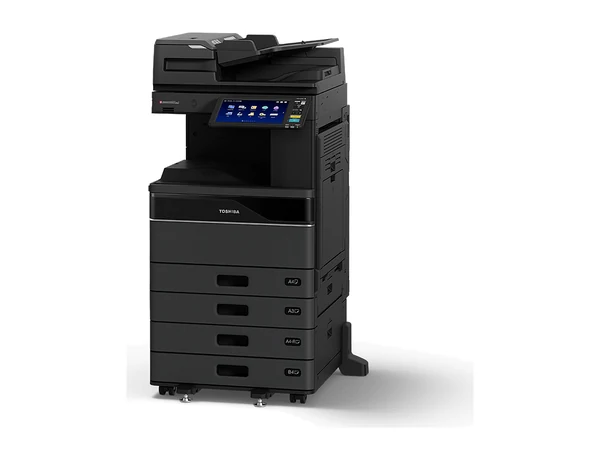
ToshibaToshiba e STUDIO 3525AC
- Largest paper
- A3
- Per minute
- 35 pages
- Prints
- In colour
Renewed grade: extra parts replaced, close to new in use
Quoted in writing
Three questions decide every copier: which one, what it costs, and when it goes in. You get each answer in plain numbers, from the four of us, with more than 100 years in copiers between us.
Copiers on rental from $15 a week plus GST.
These, typically. Stock changes from week to week, so ask about one to hear whether it is in, how many pages it has done, and its figures. Pictured in the makers' photographs.
Renewed grade: extra parts replaced, close to new in use
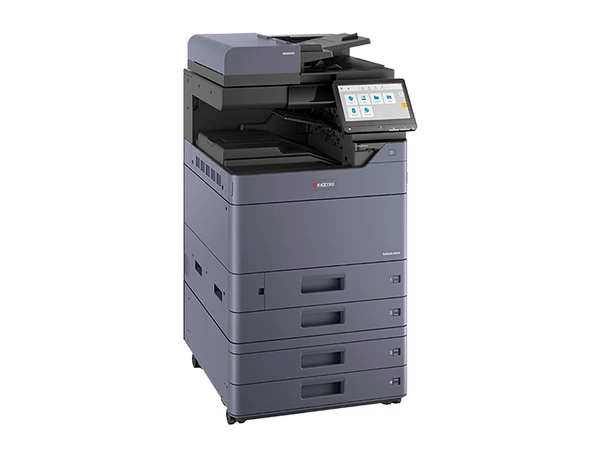
Small footprint A3 colour; a stapling finisher can be added
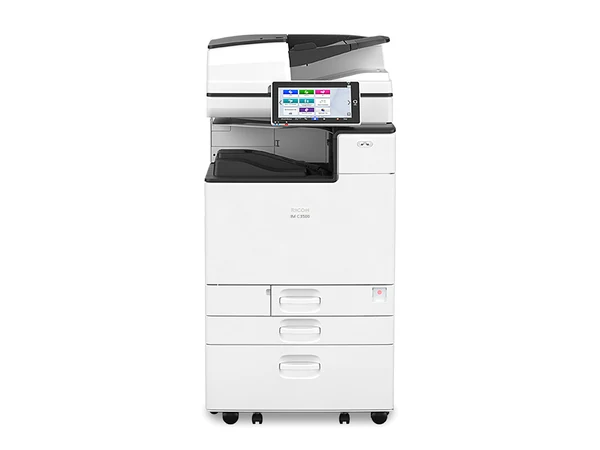
Ricoh's tablet sized Smart Operation Panel at 35 a minute
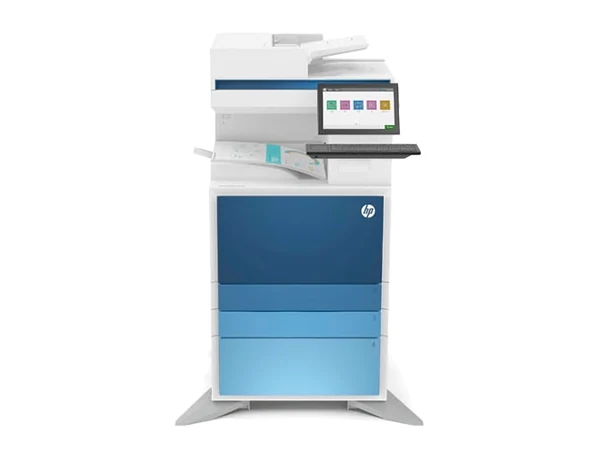
Sold new from HP's present managed A3 colour line
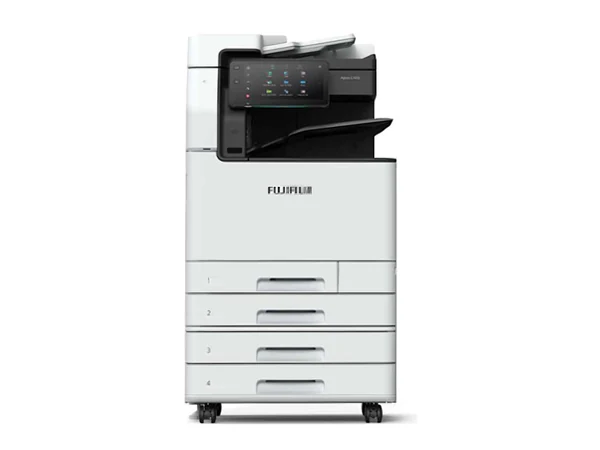
Middle of the ApeosPort range, made for a shared floor
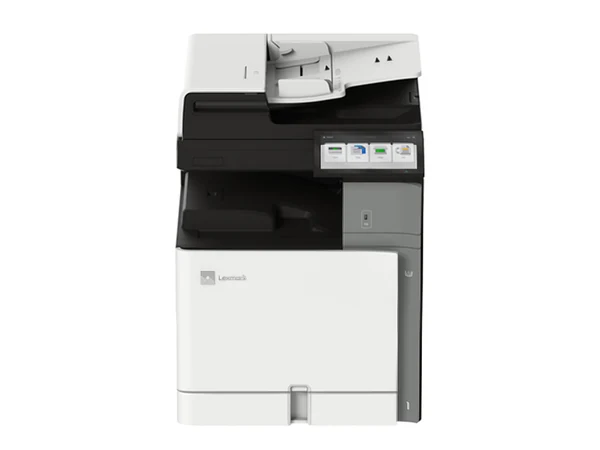
Lexmark's present A3 colour multifunction, sold new
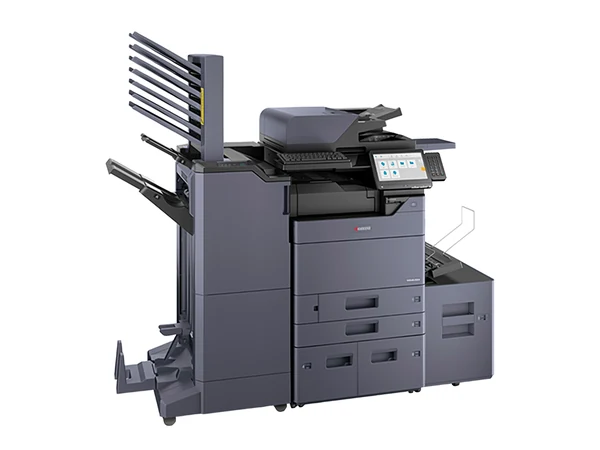
Renewed: deeper parts work than a refurbished unit gets
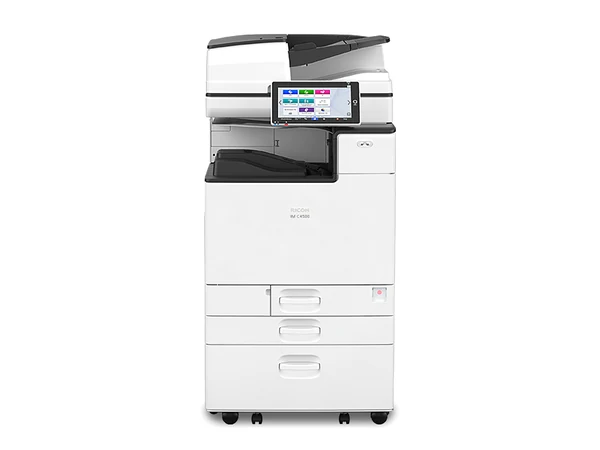
Built for a floor of heavy users
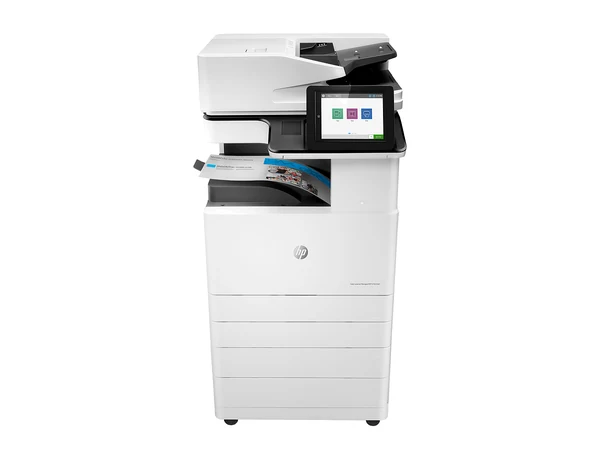
Proven HP A3 colour, refurbished and ready to rent
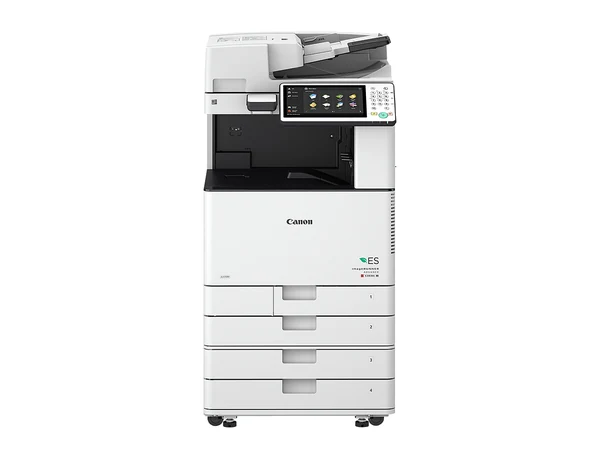
Anyone who has used a Canon will know the menus
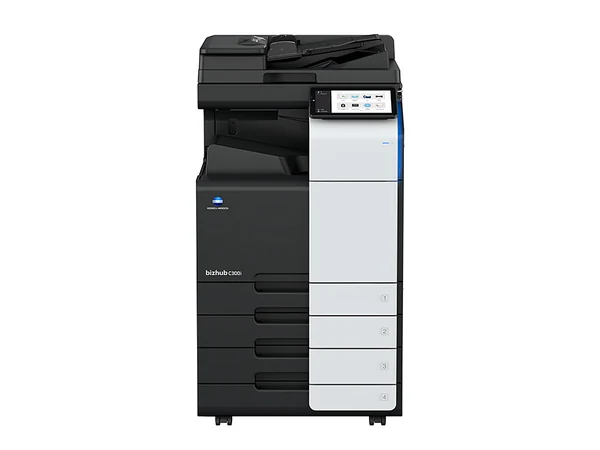
Tested and working; the smallest spend on this model
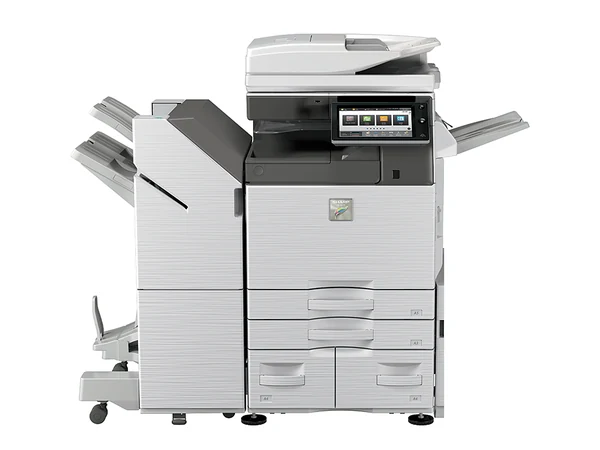
Sharp A3 colour, checked before it is delivered
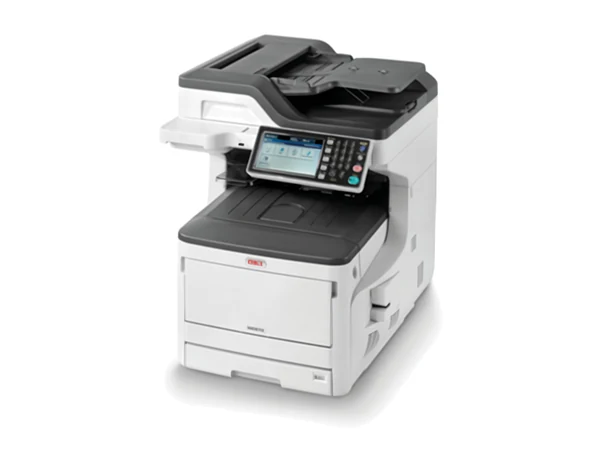
Sits on a bench, yet prints, copies and scans at A3
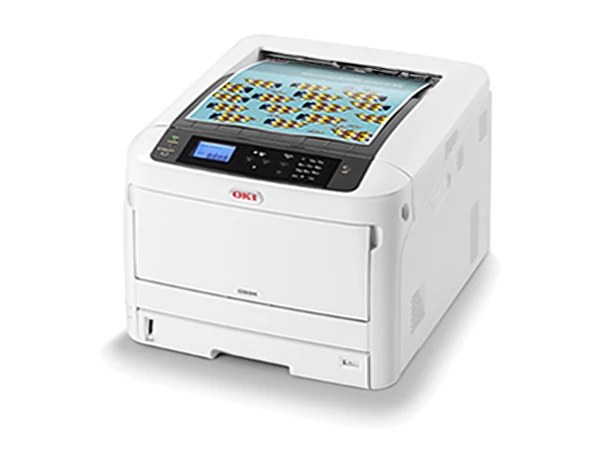
Prints A3 colour and nothing else: no scan, no copy
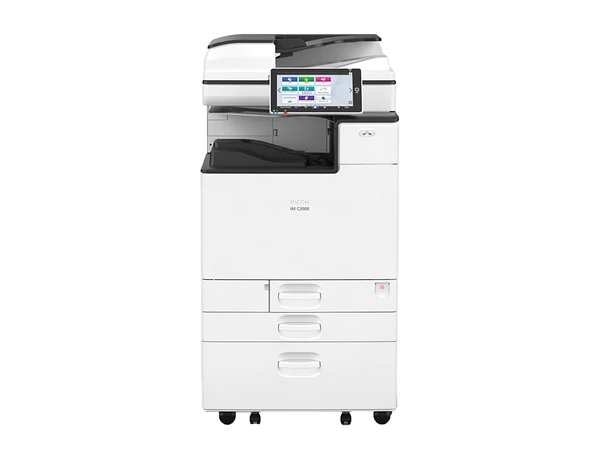
Starter speed in Ricoh's IM C line
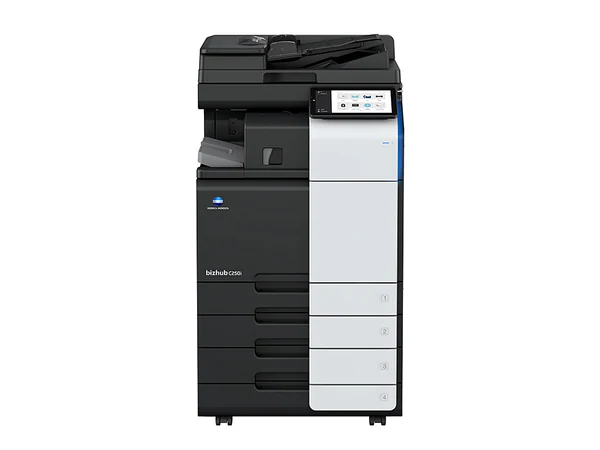
bizhub i Series touch panel, in the used grade
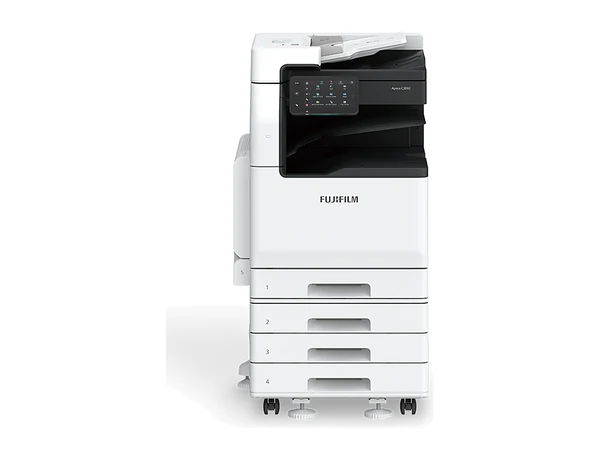
Smaller ApeosPort for an office that prints lightly
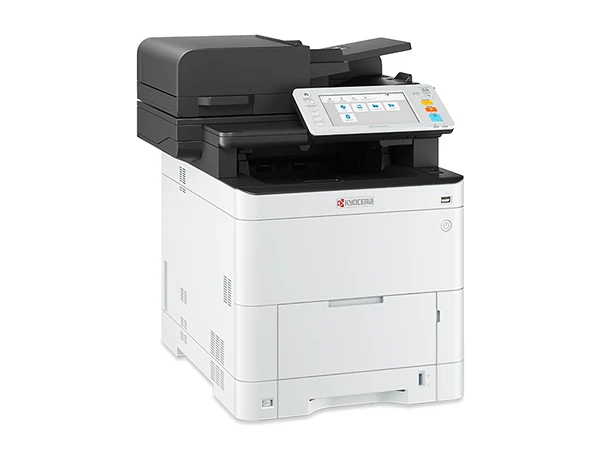
Desk sized A4 colour for offices with no A3 work
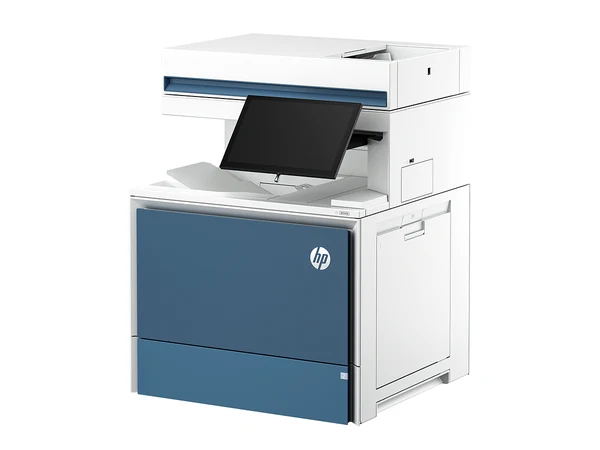
Fast A4 colour where A3 never comes up
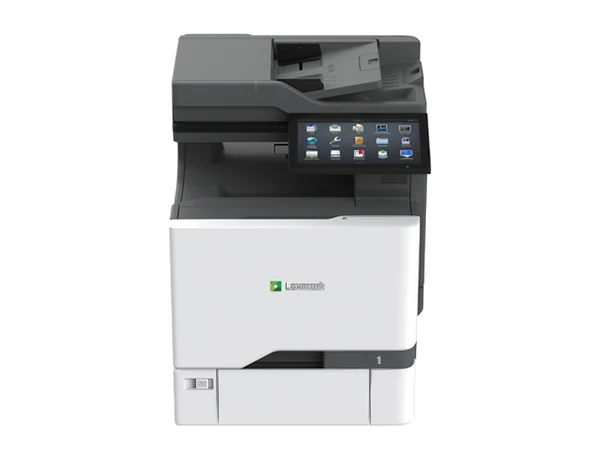
Keeps pace with a busy team on A4 colour
Usually an A3 colour copier, and we can tell you which one in a single conversation. Sydney Copiers supplies businesses across greater Sydney with new machines from HP, Kyocera, Lexmark, OKI and Toshiba, and with secondhand machines in every grade from all the major makers. Ten people or fewer and no A3 work? An A4 office printer that prints, copies and scans may be all you need, and printer rental starts from $10 a week plus GST.
Then the money. Pay once and buy a photocopier; spread it with a copier rental from $15 a week plus GST; ask for a photocopier lease; or move to managed print services and pay per page. A Barangaroo tower, a practice in Chatswood or a warehouse in Wetherill Park: the delivery is booked around the building, the machine goes onto your network with scanning set up, your staff are shown how it works, and we keep servicing it after that.
Four of us run it, each with 25 to 30 years or more in copiers. That is more than 100 years between us, and it is why the answers here are short.
Five things to answer: how many people print, A3 or A4, colour or mono, which grade, and how you would rather pay. The finder answers with a size, a speed and a grade, and we can follow up with two or three real machines and their figures.
Or ring (02) 8313 0670 and ask.
Typical machines that fit:
Rental runs from $15 a week plus GST. Want real machines and real figures? Leave your details and two or three come back to you.
It comes down to workload. If a lower grade will do the job, we say so.
Straight from the maker, with the maker's warranty. HP, Kyocera, Lexmark, OKI and Toshiba.
See brand new copiersMore parts replaced than a refurbished machine, close to new in looks and in use. Costs more than refurbished.
See renewed copiersCleaned, serviced, worn parts swapped and tested. The grade most customers choose.
See refurbished copiersChecked and working, with less work done. Least money up front.
See used copiersIf a machine on our service agreement fails, we replace it. That holds for new and secondhand machines alike, and for every way of paying: rental, lease, finance or an outright purchase. The cover lasts as long as the agreement does, every year of it.
A new copier normally carries the maker's warranty for 12 months, covering hardware but not consumables. Once that year is up, the service agreement carries the cover. The full terms of the replacement warranty are written into your agreement.
The payment is the number everyone remembers. The real cost adds every page printed and the charges that only show up on the bill. Enter yours to see it by the month, by the year, and through to the end of the agreement.
Payment and page rates are the easy part. Look for these on the bill and in the terms, then add them to the boxes above:
Send the agreement or a recent bill and you get a plain answer: which of these you are paying, and roughly what each one costs you.
The usual choice is rental, from $15 a week plus GST. Finance subject to approval. The lowest weekly figure applies to selected machines.
| Choice | What you pay | Service cover | Term end | Good for |
|---|---|---|---|---|
| Copier rentalHow most pay | One regular payment over three to five years | Included, with the replacement warranty for the full term | Hand it back or step up to a newer one; keeping it is a question to ask | Offices that want no big outlay and a known cost |
| Buy outright | The whole amount, once | Optional service agreement; with it, the replacement warranty for its term | It is yours from day one | Businesses with cash on hand that keep machines a long time |
| Copier lease | Monthly lease payments | Pair it with our service agreement for the replacement warranty | As the lease sets out: pay the residual, return it or upgrade | Firms whose accountant prefers a lease |
| Copier finance | Monthly repayments until it is paid off | Pair it with our service agreement for the replacement warranty | Yours after the final repayment | Owning it without paying for it all at once |
| Managed print services | A cost per page, billed monthly; the machines can sit on a rental | Toner, parts and repairs built into the page rate | The managed print agreement runs its term | Offices running several machines that want one bill |
This table is a guide, not financial advice. Tax questions belong with your accountant.
Nothing large to find at the start. A payment that stays regular. Servicing and the replacement warranty bundled in. And at the end of the term, an upgrade.
Rent, lease, finance or buy: the detailSydney Copiers does not belong to any one maker. Buy new and you choose between Kyocera, Toshiba, OKI, HP and Lexmark; secondhand, we carry every major brand. So when we recommend a brand, it is because it fits how your office prints.
Toshiba's strength is consistency: every e STUDIO uses the same touch panel layout, so staff who know one can run them all.
Toshiba in detailKyocera's drums and developer units are built for a very long page life, which means fewer replacements and a lower cost on every page.
Kyocera in detailAn HP A3 machine is a full office copier with HP's printing and security inside.
HP in detailInstead of a laser, OKI uses a digital LED engine, and that keeps the body small.
OKI in detailLexmark designs around two things: security and parts that last.
Lexmark in detailRicoh's selling point on the IM C range is the Smart Operation Panel, which works much like a tablet.
Ricoh in detailEvery imageRUNNER ADVANCE uses the same panel layout, and Canon colour has a strong reputation.
Canon in detailKonica Minolta's i series, from the C250i and C300i up, put a big tablet style screen on the front and made scanning a strength.
Konica Minolta in detailIn 2021 Fuji Xerox took the name FUJIFILM Business Innovation, and in this part of the world the Xerox name came off these machines.
Fujifilm and Fuji Xerox in detailSharp's selling point is value: A3 colour MX machines from small office speeds up, with a touch screen anyone can use.
Sharp in detailPick your region: its business suburbs, the buildings and estates there, and how a delivery gets booked in.
A copier for a tower floor, a terrace in Surry Hills or a warehouse office in Pyrmont? Each goes in a different way. We book the dock, the lift or the extra hands, then install and service it, from Redfern up to Chatswood.
CBD and North SydneyOn the north shore the work is mostly corporate and clinical: head offices in Macquarie Park and Norwest, medical and dental suites in Hornsby and Chatswood. We deliver and install from Lane Cove out to Castle Hill and Bella Vista, and service every machine we place.
North shore and north westFreight forwarders by the airport, studios in Marrickville, practices in Leichhardt, workshops at Taren Point. One region, very different paperwork. Every machine here is delivered, installed and serviced, from Rozelle down to Kirrawee.
Inner west and southThe west is big, and so is the spread of work in it. We cover the lot, from the Parramatta towers and the Westmead hospitals to the distribution centres at Eastern Creek, and on out to Penrith.
Parramatta and the westIs the south west too far out for proper service? No. From Bankstown and Liverpool to Campbelltown and Minto, copiers are delivered, installed and looked after exactly as they are closer in.
South westInstallation day covers delivery, a place on your network, scanning set up, and the team shown the basics. After that, the service agreement looks after toner, parts and repairs, all at one cost per page agreed up front.
Anything later, it is one number: (02) 8313 0670.
Copier stopped? Ring us, or lodge a job through the website.
Choosing the machine, reading the agreement, and paying for it: each one set out plainly by people who have spent their careers in copiers. Download all three; they are yours to keep.
Get all three guidesYes. Pay once and buy a photocopier, or spread the cost with a copier rental or a photocopier lease. Whichever machine you ask about, you get the outright figure and the regular payment in one written quote.
Rentals start from $15 a week plus GST. Past that, the figure moves with paper size, speed, colour, grade and the way you pay. Tell us how the office prints and we put two or three suitable machines in writing, each with its cost.
Yes: one machine, several words for it. Photocopy machine and photocopier machine are two more. Nearly all of them print and scan now, so the trade calls them multifunction printers, or MFPs. How to pick one.
New: HP, Kyocera, Lexmark, OKI and Toshiba. Secondhand: all the major makers, which adds Canon, Fujifilm and the older Fuji Xerox machines, Konica Minolta, Ricoh and Sharp. We will tell you plainly which one suits your office.
No. Rental means a business agreement running three to five years: one regular payment, servicing built in, and at the end you upgrade or hand it back. Hire runs for days or weeks, and we do not offer it.
We do. We do not sell a machine we cannot service, and a service agreement puts toner, parts and repairs on one set cost per page.
We replace it, provided it is on our service agreement. Rented, leased, financed or bought outright makes no difference, and the replacement warranty lasts the full term.
Greater Sydney: the CBD and North Sydney, the north shore, the inner west and south, Parramatta and the west, and the south west. Towers in the CBD and North Sydney, business parks at Macquarie Park and Norwest, and the industrial estates out west and south west all fall within our delivery and service areas. The five areas.
Yes. Trade in the A3 copier or office printer you are replacing: we knock its trade in price off the cost of the new machine and carry the old one out during the same changeover. Trade in, step by step.
About a week from signing, for most machines. A new model the maker has to supply can take longer, and you get the lead time before you sign.
Much of what a copier agreement really costs sits in terms nobody reads at signing. Check the list, or send the agreement for a plain reading of your position.
Which machine, which grade, what it costs to run, what to watch for in the agreement: ask. Monday to Friday, 8am to 5pm. Send an enquiry on a business day and you hear back that same day.