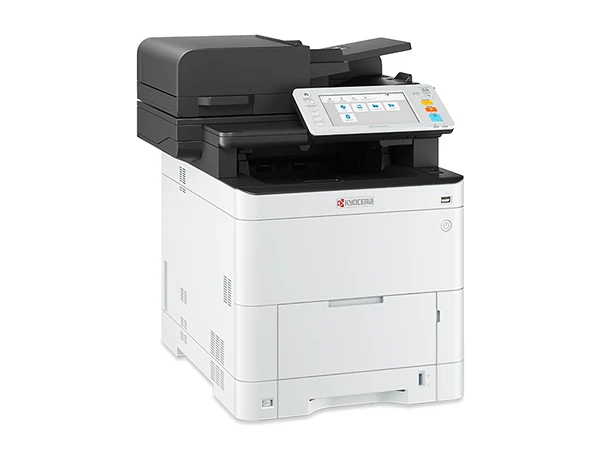
Brand new
KyoceraKyocera ECOSYS MA4000cifx
- Largest paper
- A4
- Per minute
- 40 pages
- Prints
- In colour
Desk sized A4 colour for offices with no A3 work
Quoted in writing
Small team, no A3 work? Then the straight answer is an A4 colour laser multifunction printer. It prints, copies and scans, takes far less room and costs less than a copier.
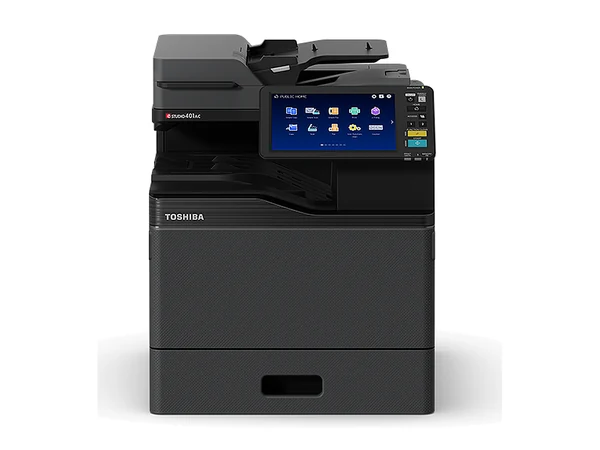
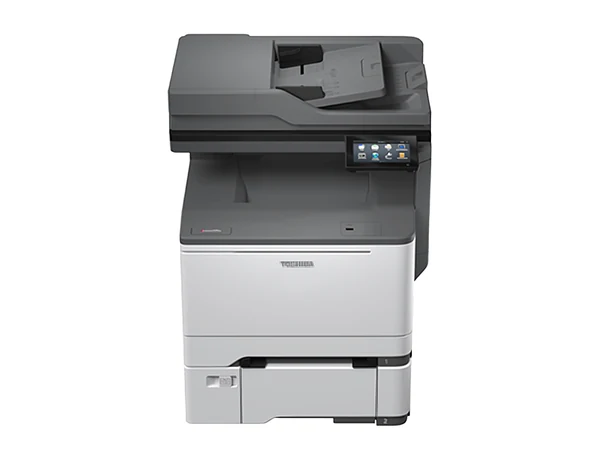
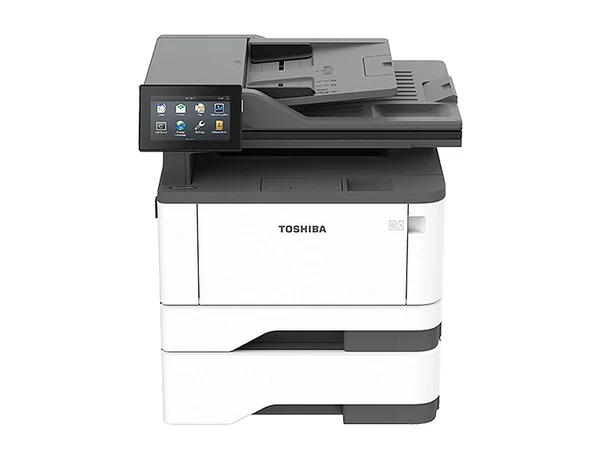
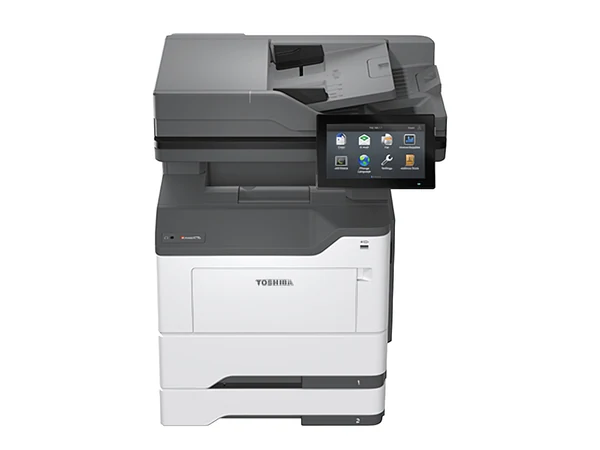
Typical of what comes through, pictured in the makers' own photos. Stock moves weekly, so ask about one and get its page count and figures in writing.
Desk sized A4 colour for offices with no A3 work
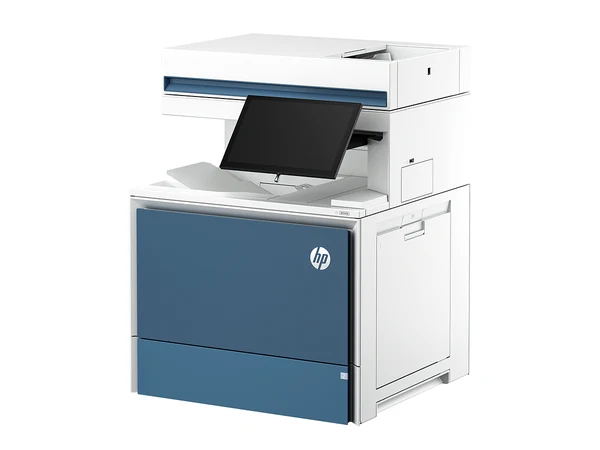
Fast A4 colour where A3 never comes up
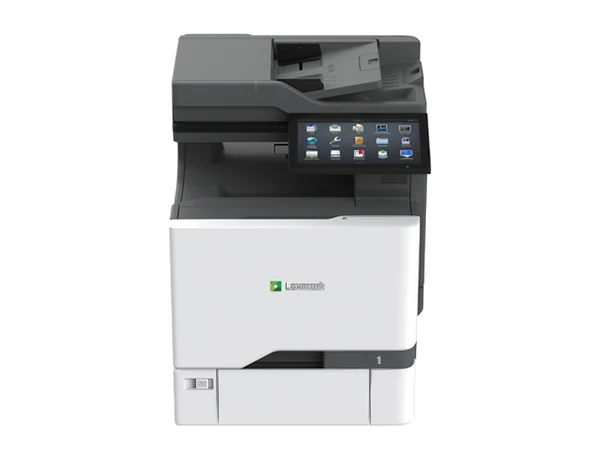
Keeps pace with a busy team on A4 colour
Each A4 model sits on its own page, with the maker's published specifications. Every model, A4 and A3.
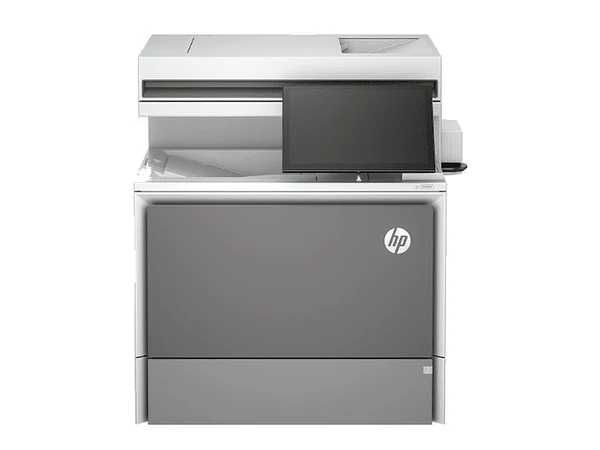 Brand newColor LaserJet Enterprise Flow MFP 5800zfColour A4 copier, 43 pages a minute
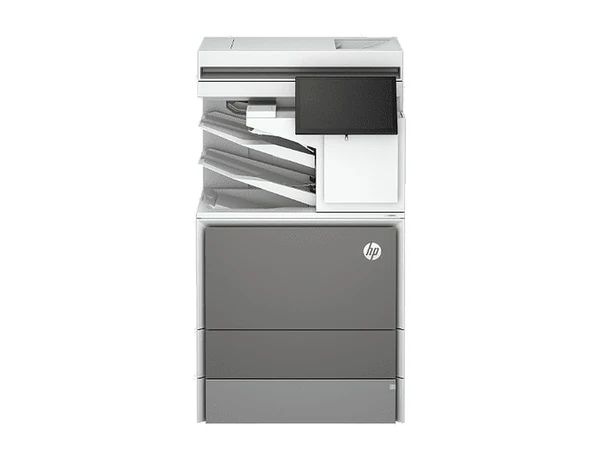 Brand newColor LaserJet Enterprise Flow MFP X57945zColour A4 copier, 43 pages a minuteBrand newColor LaserJet Enterprise Flow MFP X57945zsColour A4 copier, 43 pages a minuteBrand newColor LaserJet Enterprise MFP 5800dnColour A4 copier, 43 pages a minuteBrand newColor LaserJet Enterprise Flow MFP 6800zfColour A4 copier, 52 pages a minuteBrand newColor LaserJet Enterprise Flow MFP 6800zfswColour A4 copier, 52 pages a minuteBrand newColor LaserJet Enterprise MFP 6800dnColour A4 copier, 52 pages a minute
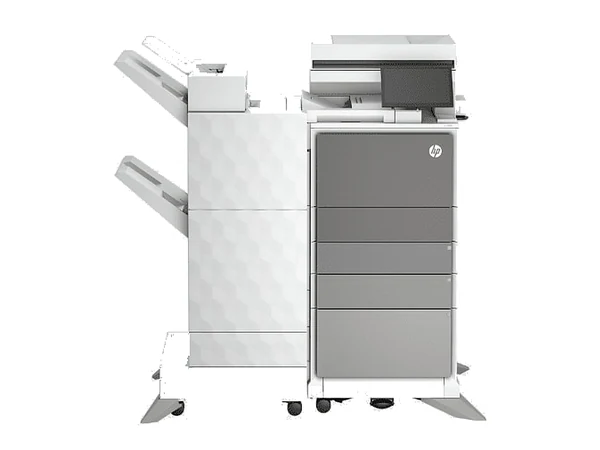 Brand newColor LaserJet Enterprise MFP X677dnColour A4 copier, 52 pages a minuteBrand newColor LaserJet Enterprise MFP X677sColour A4 copier, 52 pages a minute
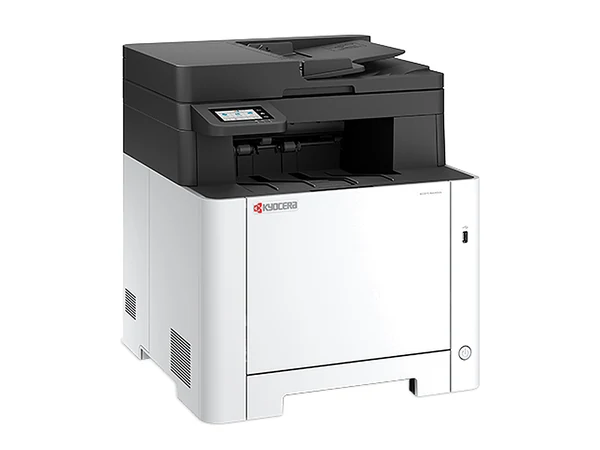 Brand newECOSYS MA2101cfxColour A4 copier, 21 pages a minute
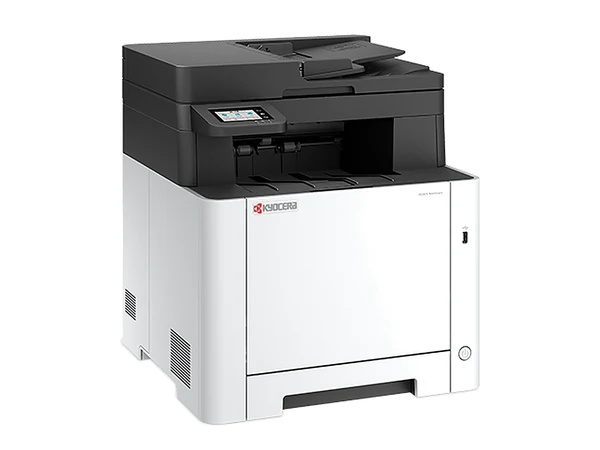 Brand newECOSYS MA2101cwfxColour A4 copier, 21 pages a minute
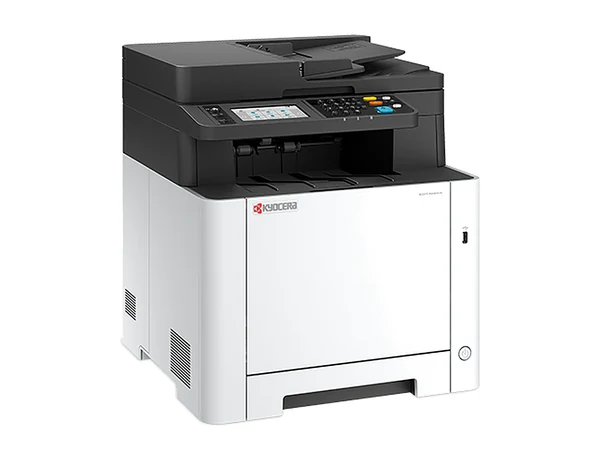 Brand newECOSYS MA2600cfxColour A4 copier, 26 pages a minute
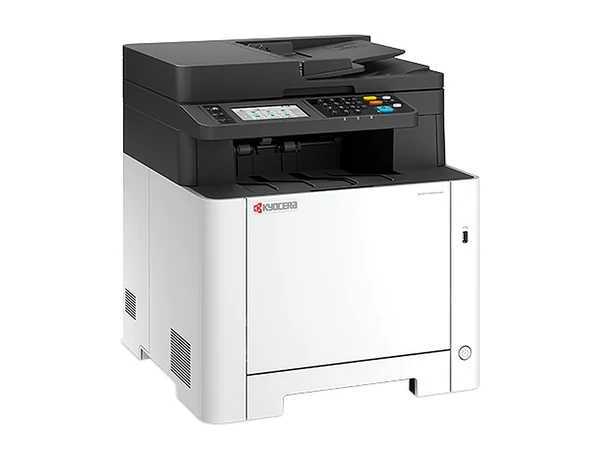 Brand newECOSYS MA2600cwfxColour A4 copier, 26 pages a minuteBrand newECOSYS MA2600cwxColour A4 copier, 26 pages a minute
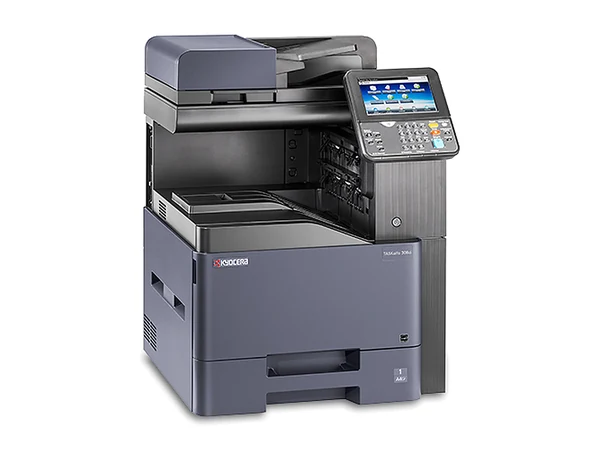 Brand newTASKalfa 308ciColour A4 copier, 30 pages a minute
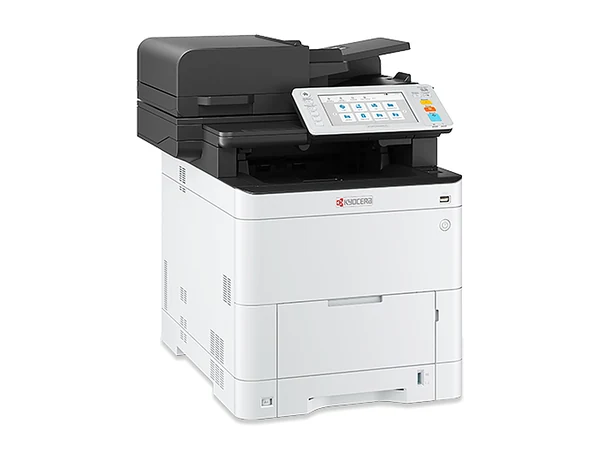 Brand newECOSYS MA3500cifxColour A4 copier, 35 pages a minute
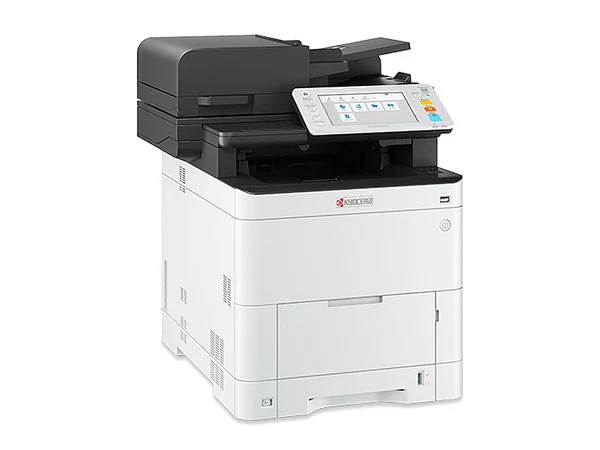 Brand newECOSYS MA3500cixColour A4 copier, 35 pages a minute
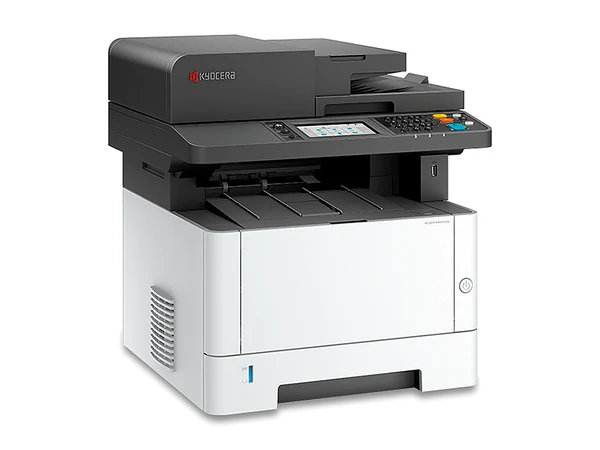 Brand newECOSYS MA3501wfxMono A4 copier, 35 pages a minute
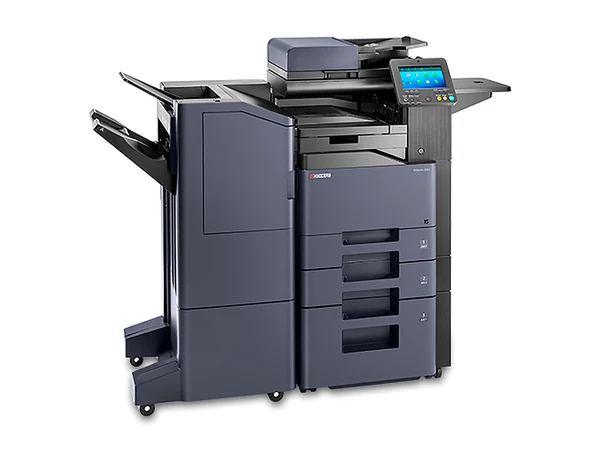 Brand newTASKalfa 358ciColour A4 copier, 35 pages a minute
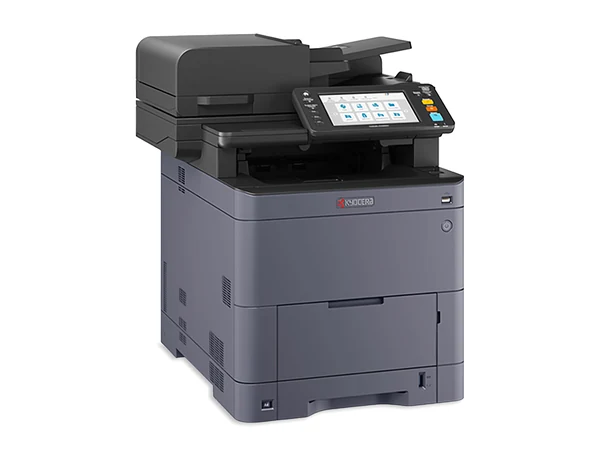 Brand newTASKalfa MA3500ciColour A4 copier, 35 pages a minuteBrand newECOSYS MA4000cifxColour A4 copier, 40 pages a minute
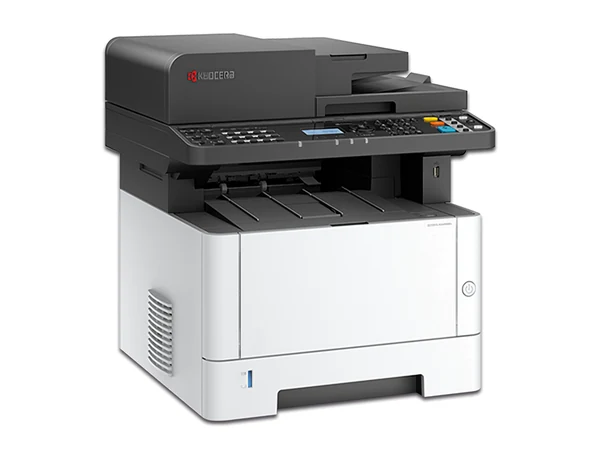 Brand newECOSYS MA4000fxMono A4 copier, 40 pages a minute
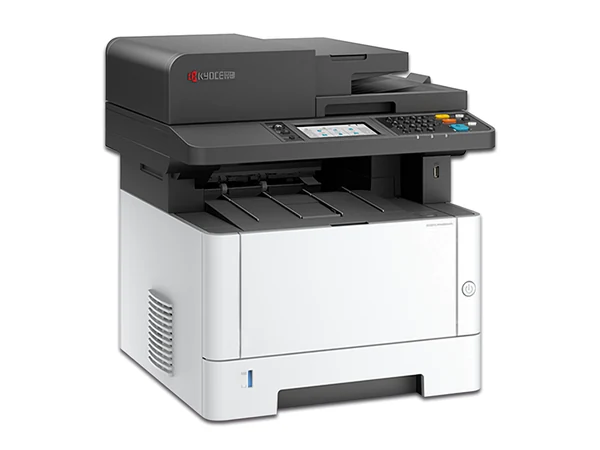 Brand newECOSYS MA4000wifxMono A4 copier, 40 pages a minute
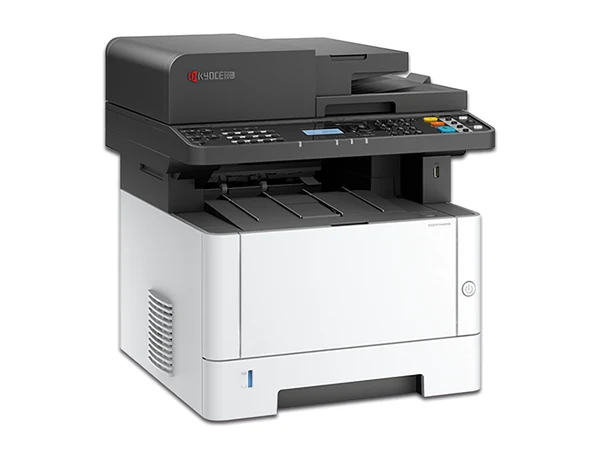 Brand newECOSYS MA4000xMono A4 copier, 40 pages a minute
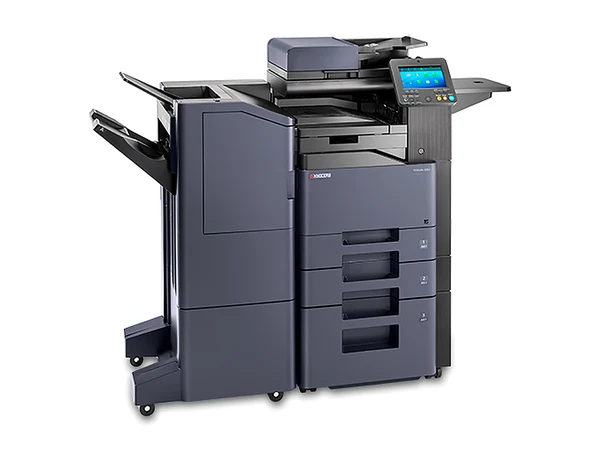 Brand newTASKalfa 408ciColour A4 copier, 40 pages a minute
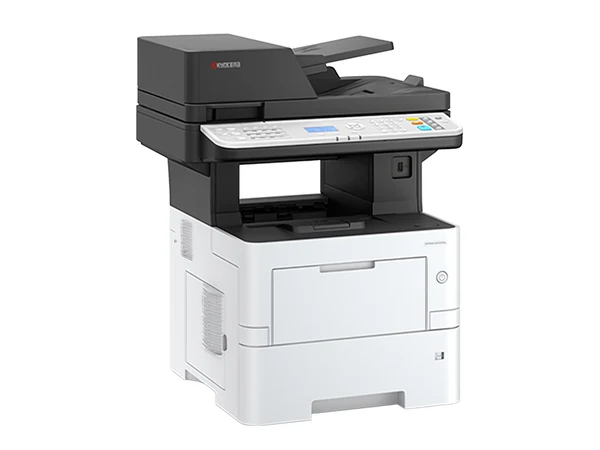 Brand newECOSYS MA4500fxMono A4 copier, 45 pages a minute
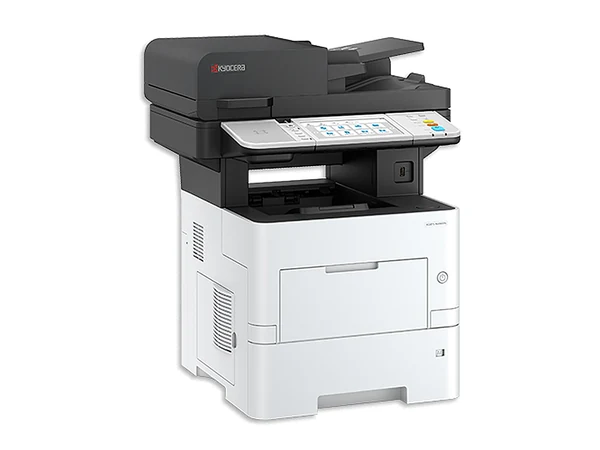 Brand newECOSYS MA4500ifxMono A4 copier, 45 pages a minute
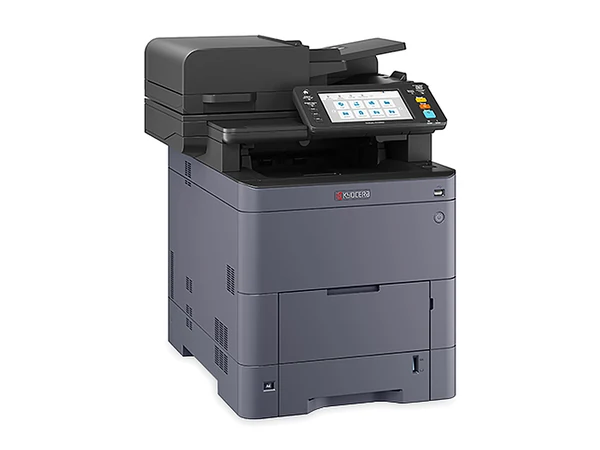 Brand newTASKalfa MA4500ciColour A4 copier, 45 pages a minute
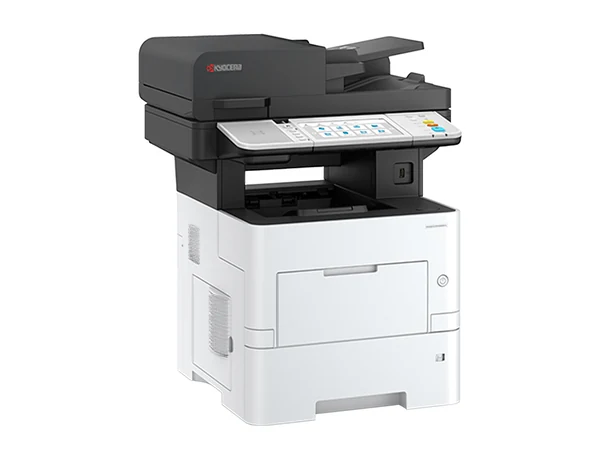 Brand newECOSYS MA5500ifxMono A4 copier, 55 pages a minute
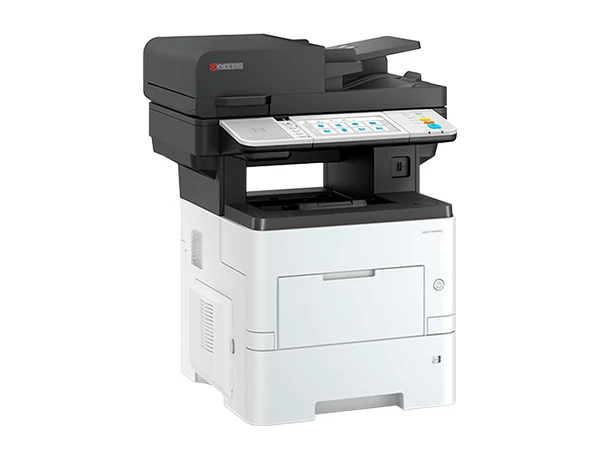 Brand newECOSYS MA6000ifxMono A4 copier, 60 pages a minute
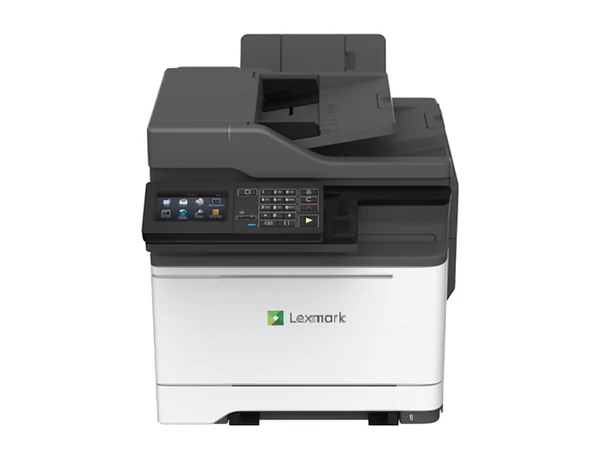 Brand newCX522adeColour A4 copier, 33 pages a minute
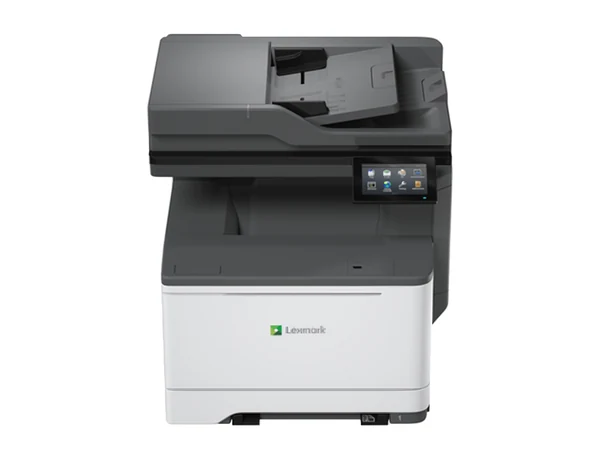 Brand newCX532adweColour A4 copier, 33 pages a minute
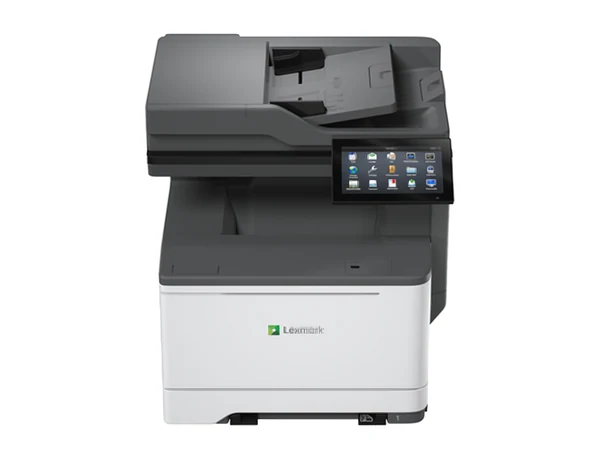 Brand newCX635adweColour A4 copier, 40 pages a minute
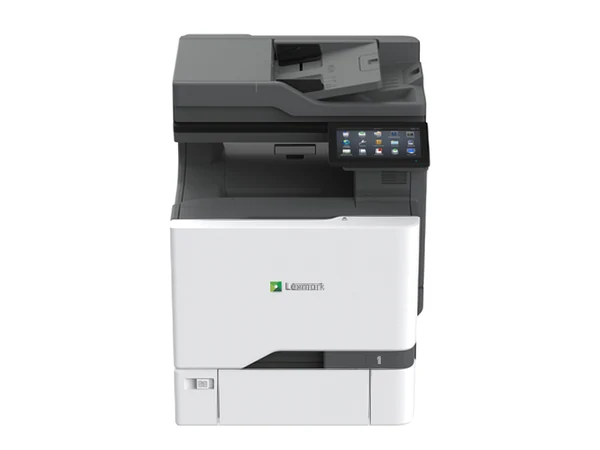 Brand newCX730deColour A4 copier, 40 pages a minute
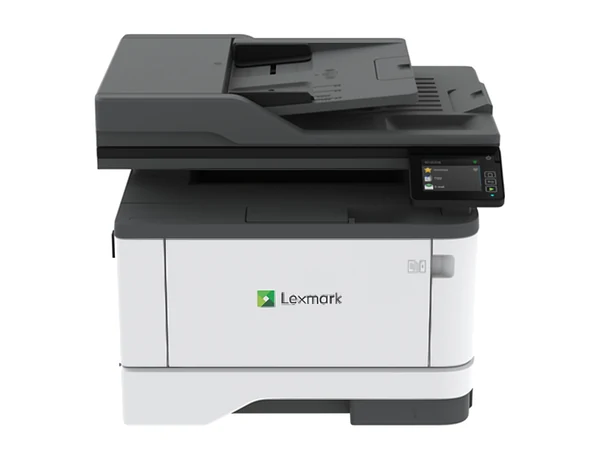 Brand newMX431adnMono A4 copier, 40 pages a minuteBrand newMX431adwMono A4 copier, 40 pages a minute
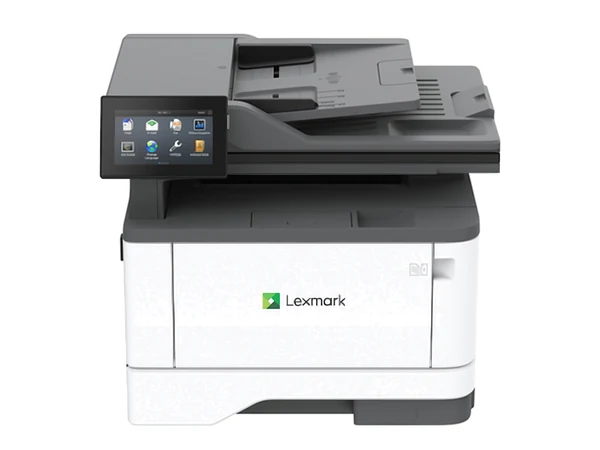 Brand newMX432adweMono A4 copier, 40 pages a minute
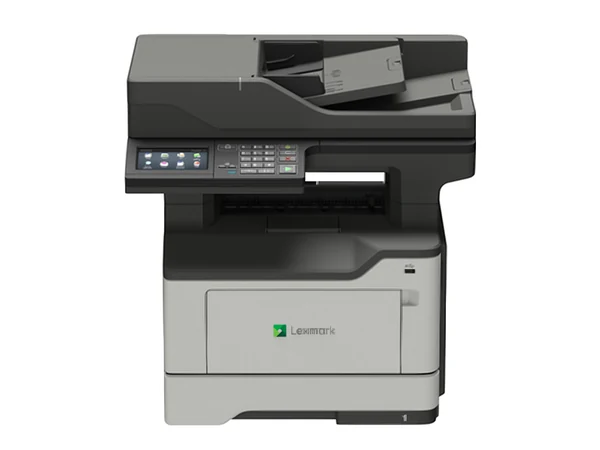 Brand newMX522adheMono A4 copier, 44 pages a minute
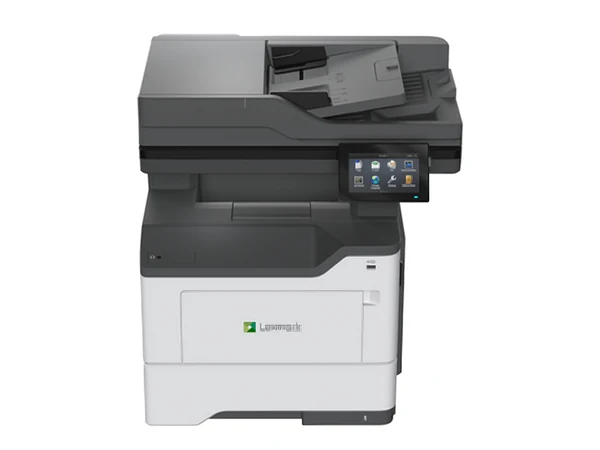 Brand newMX532adweMono A4 copier, 44 pages a minute
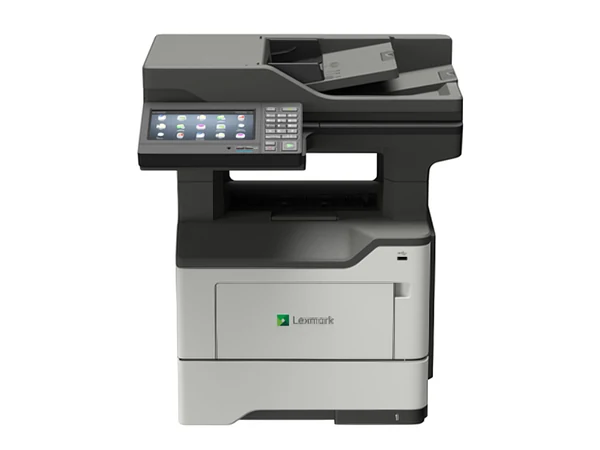 Brand newMX622adheMono A4 copier, 47 pages a minute
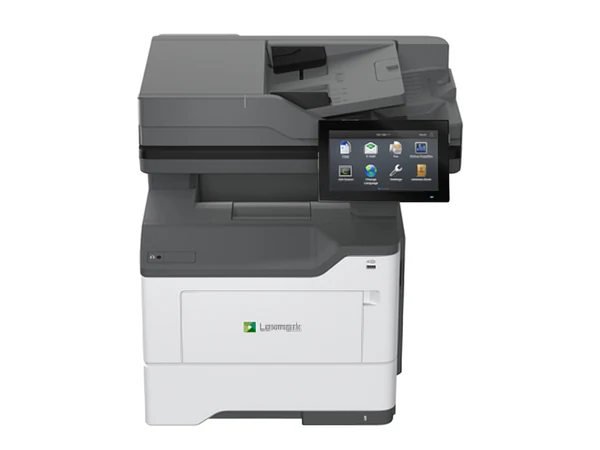 Brand newMX632adweMono A4 copier, 47 pages a minuteBrand newCX735adseColour A4 copier, 50 pages a minute
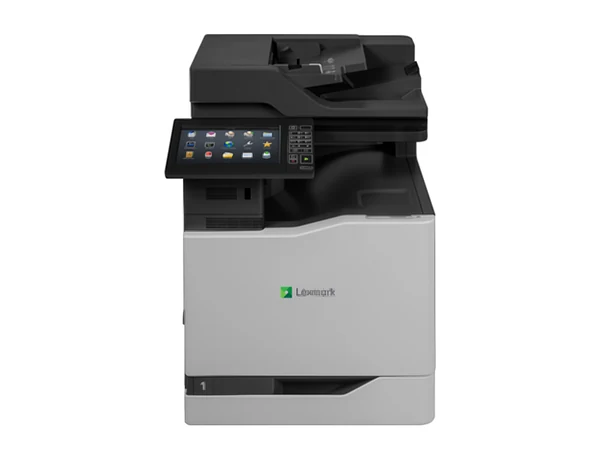 Brand newCX825deColour A4 copier, 52 pages a minute
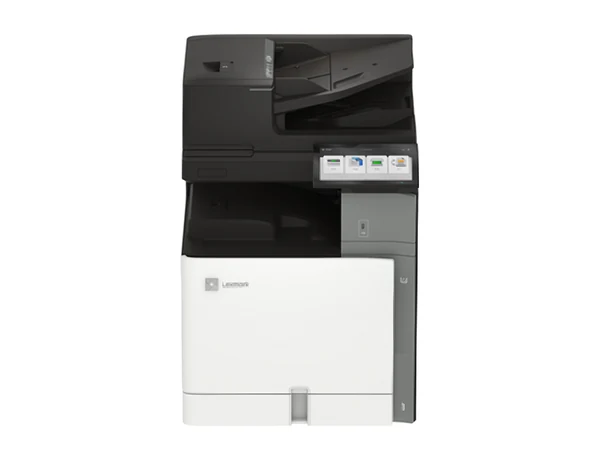 Brand newCX833seColour A4 copier, 55 pages a minute
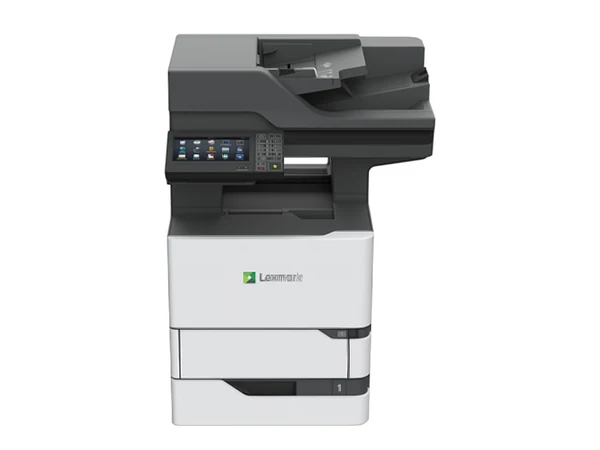 Brand newMX722adheMono A4 copier, 66 pages a minute
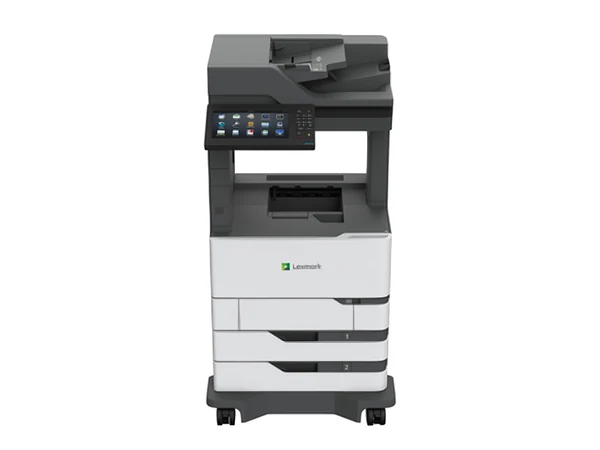 Brand newMX826adeMono A4 copier, 66 pages a minute
Yes, if every one of these is true:
If even one is false, look at an A3 copier instead.
Small team, A4 only? An A4 MFP does the work in far less space.
Because of what happens after the first month. A business multifunction printer is built for volume: it scans double sided originals straight to email and shared folders, carries real security settings, and a technician services it at your office. Toner lasts longer and every page costs less.
We supply new A4 multifunction printers from HP, Kyocera, Lexmark, OKI and Toshiba, and secondhand A4 machines from most other makers.
New A4 business printers from HP Color LaserJet Enterprise, Kyocera ECOSYS, Lexmark, OKI and Toshiba, in colour and mono. They also go by MFP, MFD or all in one office printer. Want a desktop photocopier that lives on a desk or bench? That is exactly what these are.
Outgrown a Brother, Epson or Canon from a retail shelf? A business MFP is the usual next step. Buy it outright, rent it through office printer rental, or put it on an office printer lease.
A4 is often the right answer for practices: medical and allied health clinics, accountants, law firms and small studios, from Surry Hills to Castle Hill.
No. MFD is a multifunction device and MFP a multifunction printer; both name a machine for printing, copying and scanning, often faxing too, at A4 or A3.
Describe the work it has to do, or give a model number. Back come two or three options, each priced in writing. No obligation.
Or ring (02) 8313 0670, Monday to Friday, 8am to 5pm.
Match a printer to your office
Give us the head count and the monthly pages. Send it on a business day and you hear back that same day.
Whichever matches your monthly pages at the lowest running cost, with service on site. Tell us how the office prints and you get two or three to compare.
Sometimes. Fewer secondhand A4 printers reach us than copiers, so it is worth asking what is available now. If nothing suits, we supply a new one.
Yes. Selected machines rent from $10 a week plus GST, on the same terms as a copier rental, with servicing included in the one agreement. See office printer rental.
Yes, every one, A4 or A3.
No. New office printers from us are HP, Kyocera, Lexmark, OKI and Toshiba. Replacing a Brother or Epson? Describe how you print and we match a business machine to it.
Which machine, which grade, what it costs to run, what to watch for in the agreement: ask. Monday to Friday, 8am to 5pm. Send an enquiry on a business day and you hear back that same day.