Kyocera

Kyocera TASKalfa MZ7001ci, Supplied New in Sydney

Short answer: the Kyocera TASKalfa MZ7001ci is an A3 colour photocopier that turns out 70 pages per minute. It handles colour copies and prints up to A3, and scanning as well. New from us, it arrives under the maker's warranty, with delivery, network connection, scanning set up and a hands on run through for staff covered by the price.

  • 70 pages per minute on A4
  • A3 colour: print, copy, scan
  • Supplied new, maker's warranty
  • On agreement: replaced if it fails
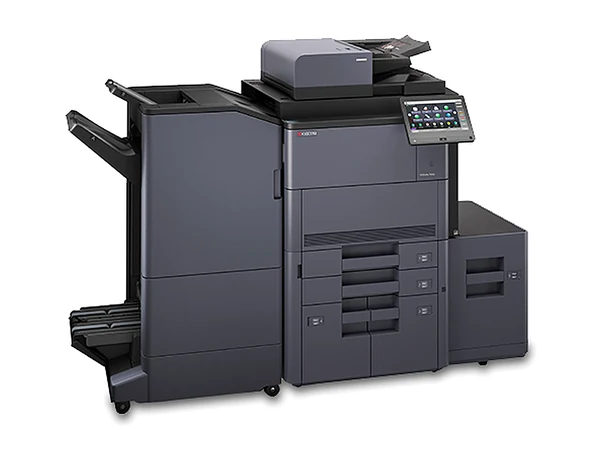
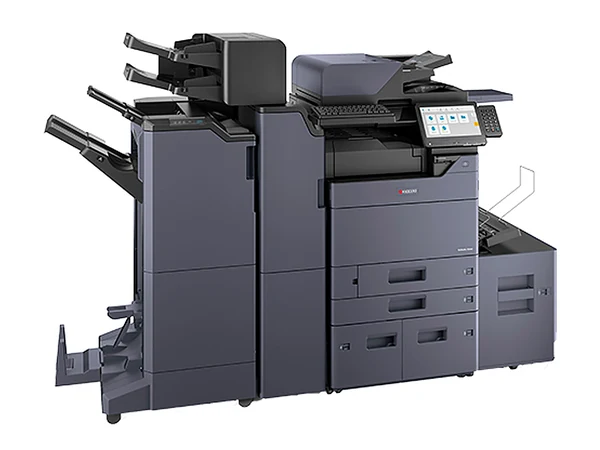
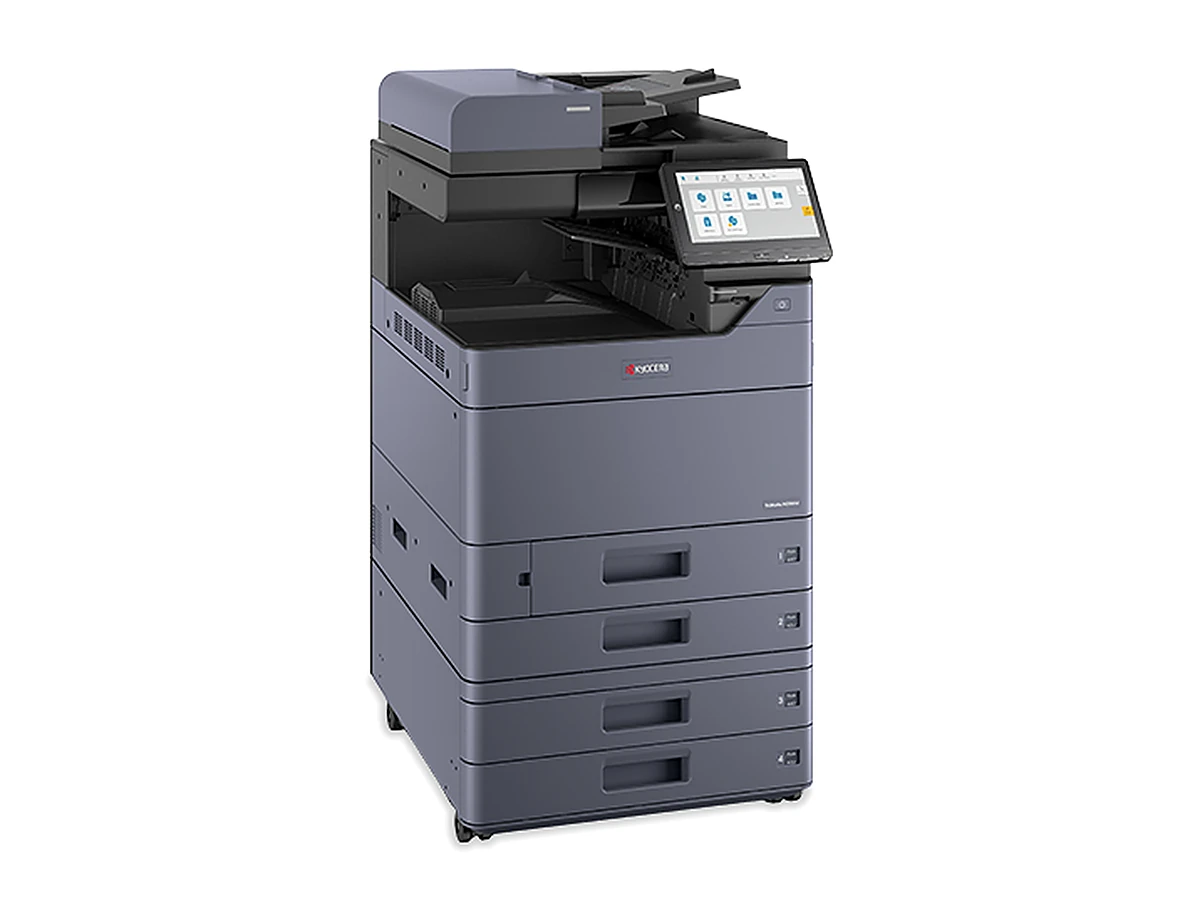
Kyocera TASKalfa MZ7001ci photocopierImage courtesy of the maker

The short version

The TASKalfa MZ7001ci is the 70 pages per minute model in Kyocera's TASKalfa MZ7001ci series, dating from 2025. Sister models, slowest first, with pages per minute: TASKalfa MZ2501ci (25), TASKalfa MZ3501ci (35), TASKalfa MZ4001ci (40), TASKalfa MZ5001ci (50) and TASKalfa MZ6001ci (60). From the maker's sheet, it needs the optional single pass document feeder to reach 274 scanned images a minute, loads 1,150 sheets as standard and 7,150 fully optioned and feeds card up to 300 gsm. It is a current Kyocera model in Australia.
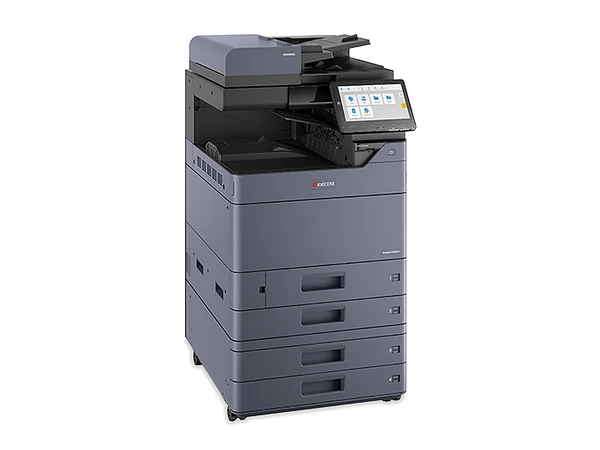
70 pages per minute in A3 colour, supplied new and set up on your network.

The specs

TASKalfa MZ7001ci: what the maker quotes

Figures as the maker publishes them. New ones come delivered, installed and set up, all in the price.

Page size
Up to A3
Pages per minute
70 on A4, 35 on A3
Scans per minute
Up to 274 images, once the optional single pass duplex feeder is fitted
Paper on board
1,150 sheets; 7,150 with options fitted
Thickest stock
300 gsm
Fax
Available as an option
Time to first copy
3.4 seconds
Finishing
Optional DF 7120 (1,000 sheets), DF 7140 or DF 7150 (4,000 sheets)
Size and weight
602 mm wide, 665 deep, 790 high; roughly 95 kg
Launch year
2025
How to pay
Rent, lease or buy outright

Who is it for?

Sized for thirty or more people, or a dedicated print room, going by its speed. Printing less? The TASKalfa MZ6001ci at 60 pages per minute may be all you need.

New: what is in the price, and how to pay

The TASKalfa MZ7001ci arrives new with the maker's warranty behind it, and the delivery is booked for a set time, whether that means a CBD loading dock, a business park at Macquarie Park or Norwest, or a warehouse in the west. Delivery, network connection, scanning set up and a hands on run through for staff are part of the price.

Pay outright, rent or lease; any finance needs approval. Selected machines can be rented from $15 a week plus GST, and when a rental ends you upgrade to a newer machine or hand it back.

Quicker by phoneAsk the question, get a plain answer, then decide.Monday to Friday, 8am to 5pm
(02) 8313 0670Get a price
About the Kyocera TASKalfa MZ7001ci

Tell us your page count and headcount

Describe the work it has to do, or give a model number. Back come two or three options, each priced in writing. No obligation.

Or ring (02) 8313 0670, Monday to Friday, 8am to 5pm.

Want figures on the Kyocera TASKalfa MZ7001ci?

One line is enough. You hear if one is in, its page count and the numbers, in writing. Send it on a business day and you hear back that same day.

Asking about: Kyocera TASKalfa MZ7001ci

Phone instead: (02) 8313 0670. We do not sell contact details. Privacy.

Replacement warranty

What if it fails? We replace it. Any year of the agreement.

If a machine on our service agreement fails, we replace it. That holds for new and secondhand machines alike, and for every way of paying: rental, lease, finance or an outright purchase. The cover lasts as long as the agreement does, every year of it.

A new copier normally carries the maker's warranty for 12 months, covering hardware but not consumables. Once that year is up, the service agreement carries the cover. The full terms of the replacement warranty are written into your agreement.

Questions

What people ask about the Kyocera TASKalfa MZ7001ci

Is the Kyocera TASKalfa MZ7001ci available brand new?

Yes. Kyocera still sells it new in Australia, and ours come with the maker's warranty plus delivery, network connection, scanning set up and a hands on run through for staff.

Which should I get, the TASKalfa MZ7001ci or the TASKalfa MZ6001ci?

Same series, so the choice is speed: 70 pages per minute against 60. Tell us your headcount and monthly pages and we give you a straight answer.

Is there a rental option for the TASKalfa MZ7001ci?

Yes. Rental is not hire. You sign a business agreement, pay one regular amount, and the machine is serviced while you have it. Selected machines start from $15 a week plus GST, with approval.

Sydney Copiers

A straight answer takes one call.

Which machine, which grade, what it costs to run, what to watch for in the agreement: ask. Monday to Friday, 8am to 5pm. Send an enquiry on a business day and you hear back that same day.

(02) 8313 0670 Get a price