Ricoh

Ricoh IM 3500, Secondhand in Sydney

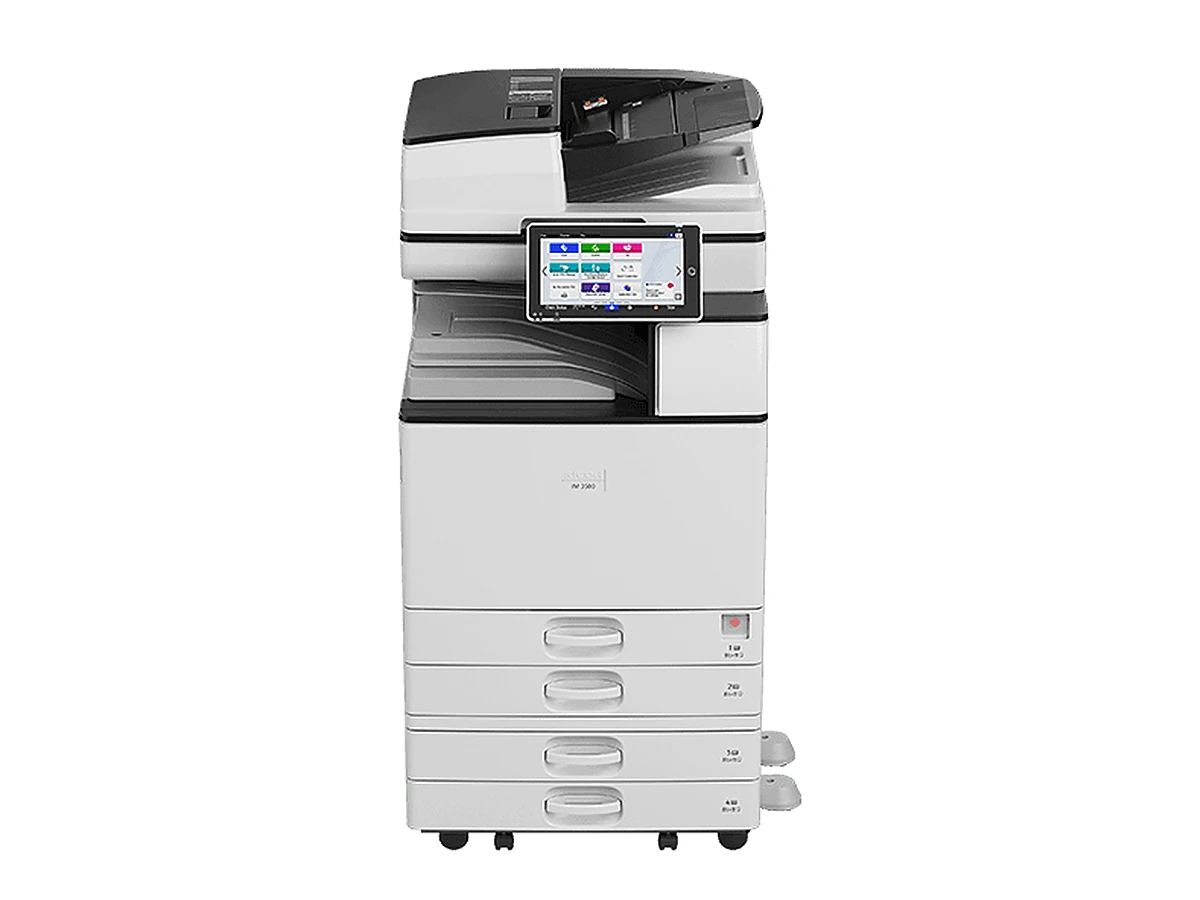
The Ricoh IM 3500 in one line: A3 black and white photocopier, 35 pages per minute. It copies, prints and scans in black and white, on paper as big as A3. Secondhand ones come renewed, refurbished or used; every machine is checked, and its page count is yours in writing before you commit.

  • 35 pages per minute on A4
  • A3 black and white: print, copy, scan
  • Three secondhand grades
  • On agreement: replaced if it fails
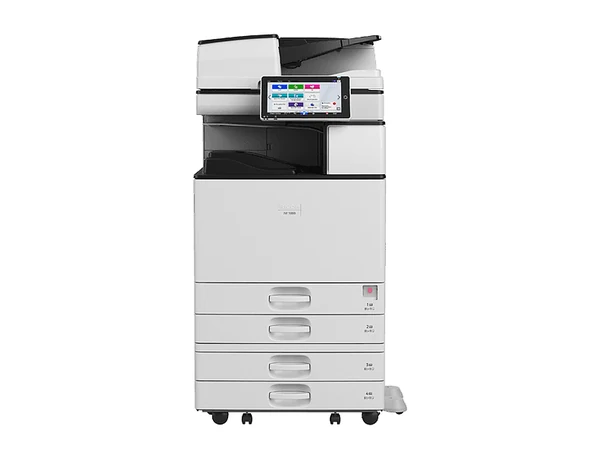
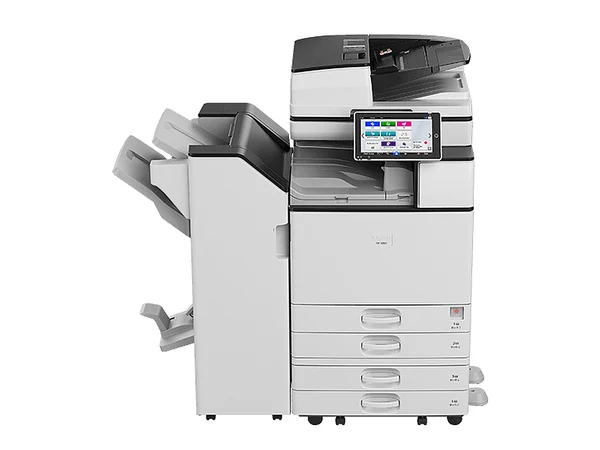
Ricoh IM 3500 photocopierImage courtesy of the maker

Where the IM 3500 fits in the Ricoh range

The IM 3500 is the 35 pages per minute model in Ricoh's IM 2500 to 6000 range. The other speeds in the series are the IM 2500 (25), IM 3000 (30), IM 4000 (40), IM 5000 (50) and IM 6000 (60), in pages per minute. From the maker's sheet, it scans double sided originals in one go, up to 120 images a minute, loads 1,200 sheets as standard and 4,700 fully optioned and feeds card up to 300 gsm.
Secondhand, A3 black and white, 35 pages per minute, in three grades.

The specs

The IM 3500 by the numbers

Figures as the maker publishes them. Each secondhand machine is checked first, and its page count is yours before you commit.

Page size
Up to A3
Pages per minute
35 on A4
Scans per minute
Up to 120 images through its single pass duplex feeder
Paper on board
1,200 sheets; 4,700 with options fitted
Thickest stock
300 gsm
Fax
Available as an option
Finishing
Optional 500 sheet internal finisher, 1,000 sheet hybrid finisher, 1,000 sheet booklet finisher, multi folding unit
Size and weight
587 mm wide, 673 deep, 963 high; roughly 76.5 kg
How to pay
Rent, lease or buy outright

Who is it for?

Our rule of thumb: it suits somewhere between five and fifteen people. If that sounds tight, the IM 4000 runs at 40 pages per minute in the same series. Quieter office? Look at the IM 3000, 30 pages per minute.

Secondhand: grades and payment

The grade sets the outlay and the page count tells you the wear, and you get both in writing. A rental or lease can run up to 60 months, limited by the machine's age, and delivery, network connection, scanning set up and a hands on run through for staff are included.

Under a service agreement, if the machine fails we replace it, for as long as the agreement runs. Selected machines can be rented from $15 a week plus GST; finance needs approval first.

What to ask about a secondhand one

  • The meter reading. Pages printed so far, in writing. That number beats the build year as a guide to wear.
  • What comes with it. Extra trays, a finisher, a big paper deck: each one alters the work it can take and the figure on the quote.
  • Who looks after it. We do not sell a machine we cannot service, because a copier nobody can fix is no bargain.
  • Running cost. Get the mono and colour rates per page in writing, plus what each rate covers.
Quicker by phoneAsk the question, get a plain answer, then decide.Monday to Friday, 8am to 5pm
(02) 8313 0670Get a price
About the Ricoh IM 3500

Unsure it fits? Ask before you decide

Describe the work it has to do, or give a model number. Back come two or three options, each priced in writing. No obligation.

Or ring (02) 8313 0670, Monday to Friday, 8am to 5pm.

Want figures on the Ricoh IM 3500?

One line is enough. You hear if one is in, its page count and the numbers, in writing. Send it on a business day and you hear back that same day.

Asking about: Ricoh IM 3500

Phone instead: (02) 8313 0670. We do not sell contact details. Privacy.

Replacement warranty

What if it fails? We replace it. Any year of the agreement.

If a machine on our service agreement fails, we replace it. That holds for new and secondhand machines alike, and for every way of paying: rental, lease, finance or an outright purchase. The cover lasts as long as the agreement does, every year of it.

A new copier normally carries the maker's warranty for 12 months, covering hardware but not consumables. Once that year is up, the service agreement carries the cover. The full terms of the replacement warranty are written into your agreement.

Questions

Ricoh IM 3500 questions, answered

How much wear is on a secondhand IM 3500?

Each machine differs. You see its actual page count, in writing, before anything is agreed; that figure says more about wear than the year does.

Which should I get, the IM 3500 or the IM 4000?

Count the people printing. The IM 3500 does 35 pages per minute and the IM 4000 40, in the same series.

Can I rent the IM 3500 rather than buy it?

Yes, once finance is approved. Selected machines can be rented from $15 a week plus GST. When the term is up, you move to a newer machine or hand this one back; send us the model for the written figures.

Sydney Copiers

A straight answer takes one call.

Which machine, which grade, what it costs to run, what to watch for in the agreement: ask. Monday to Friday, 8am to 5pm. Send an enquiry on a business day and you hear back that same day.

(02) 8313 0670 Get a price